

Choosing accounting software is not simply a technology decision; it is a business infrastructure decision. For many growing companies, Sage 50 and Sage 100 appear on the same shortlist because both come from Sage, both support core accounting, and both are trusted by finance teams. However, they are built for different business sizes, operational complexity levels, and long-term growth plans.
TLDR: Sage 50 is best suited for small businesses that need reliable accounting, invoicing, payroll, inventory, and financial reporting without the complexity of a full ERP system. Sage 100 is a more powerful business management platform designed for companies that need deeper inventory control, manufacturing, distribution, customization, and multi-department workflows. If your business is straightforward and cost-conscious, Sage 50 may be enough; if you are scaling, managing complex operations, or need stronger automation, Sage 100 is likely the better long-term choice.
Contents of Post
What Is Sage 50?
Sage 50, sometimes known as Sage 50cloud Accounting, is an accounting solution aimed primarily at small businesses. It combines traditional desktop accounting features with cloud-connected capabilities, depending on the version and setup. Businesses use it for day-to-day financial tasks such as accounts payable, accounts receivable, bank reconciliation, cash flow tracking, payroll, job costing, purchase orders, and basic inventory management.
One of Sage 50’s biggest strengths is that it feels familiar to many bookkeepers and small business owners. It provides a structured accounting environment without forcing a company to adopt an extensive enterprise resource planning system. For businesses that want strong financial controls but do not need advanced warehouse management, manufacturing workflows, or complex customization, Sage 50 can be a practical and cost-effective option.

What Is Sage 100?
Sage 100 is a more advanced business management and ERP-style solution designed for small to midsize companies with more complex operational needs. While it includes strong accounting capabilities, it goes far beyond general ledger and invoicing. Sage 100 supports areas such as advanced inventory, distribution, manufacturing, sales order processing, purchasing, warehouse workflows, project accounting, business intelligence, and custom reporting.
Think of Sage 100 as a platform for companies that have outgrown basic accounting software. If your business needs multiple users working across departments, detailed inventory tracking, serialized or lot-controlled items, manufacturing bills of materials, or specialized integrations, Sage 100 offers a deeper toolset. It is often implemented with the help of a Sage partner or consultant because configuration, data migration, and customization are more involved than with Sage 50.
Core Accounting Features Compared
Both Sage 50 and Sage 100 handle essential accounting functions well. They both support general ledger, accounts payable, accounts receivable, bank reconciliation, financial reporting, sales tax tracking, and audit trails. For standard bookkeeping and financial management, either product can be effective.
The difference appears when accounting becomes more intertwined with operations. In Sage 50, accounting is the central focus. In Sage 100, accounting is part of a broader operational ecosystem. This means Sage 100 can connect financial data more deeply with inventory, purchasing, sales, manufacturing, and departmental performance.
- Sage 50: Strong for small business accounting, basic job costing, invoicing, and simple inventory.
- Sage 100: Strong for integrated accounting, enterprise reporting, departmental controls, and operational finance.
- Best for simplicity: Sage 50.
- Best for complexity: Sage 100.
Ease of Use and Learning Curve
Sage 50 is generally easier to learn, especially for users familiar with traditional accounting software. The interface is designed around common accounting workflows, making it accessible for bookkeepers, office managers, and small business owners. It still requires accounting knowledge, but the system is less complex to configure and maintain.
Sage 100 has a steeper learning curve because it can do much more. Users may need training to understand modules, role-based workflows, reporting tools, and permissions. Implementation can involve mapping business processes, setting up departments, configuring inventory rules, and establishing approval workflows. The extra effort can be worthwhile, but it is important to plan for onboarding and support.
In short: Sage 50 is easier to start using, while Sage 100 is more powerful once properly implemented.
Inventory and Operations
Inventory management is one of the most important differences between Sage 50 and Sage 100. Sage 50 includes inventory features suitable for small companies that track products, manage stock levels, create purchase orders, and monitor costs. For a simple retailer, contractor, or service company with limited stock complexity, this may be sufficient.
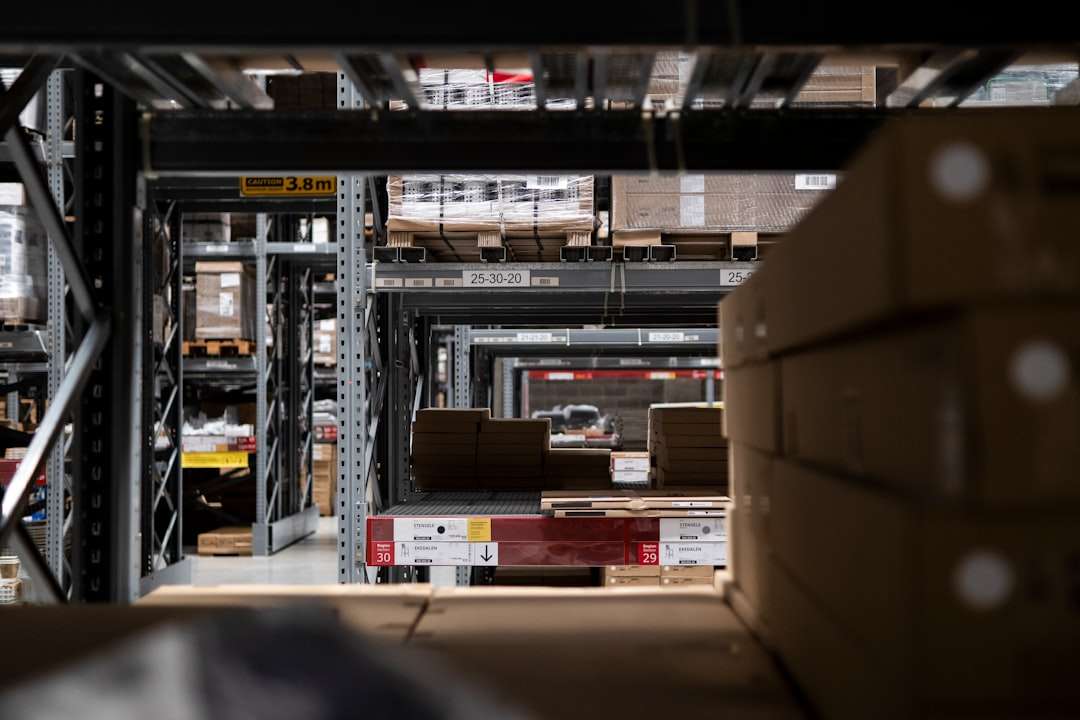
Sage 100 is much stronger in inventory and operations. It can support more advanced requirements such as multiple warehouses, item categories, reorder points, serialized inventory, lot tracking, pricing levels, sales order workflows, purchase order management, and distribution processes. Businesses that sell physical goods across several locations or manage a large product catalog usually benefit from Sage 100’s broader capabilities.
Manufacturing and Distribution Capabilities
If your company manufactures products, assembles kits, manages components, or distributes goods at scale, Sage 100 has a clear advantage. It can support bills of materials, work orders, production management, material requirements planning, and more sophisticated cost tracking. These functions help companies understand not only what they sold, but also what it cost to produce, assemble, store, and deliver those goods.
Sage 50 can work for very small manufacturers or businesses with basic assembly needs, but it is not designed to be a full manufacturing or distribution platform. As operational processes become more layered, companies often find themselves relying on spreadsheets or third-party tools to fill the gaps. That is often a signal that Sage 100 may be a better fit.
Reporting and Business Intelligence
Both systems offer reporting, but the depth and flexibility differ. Sage 50 provides standard financial reports such as profit and loss statements, balance sheets, cash flow reports, aged receivables, aged payables, sales reports, and budget comparisons. These reports are useful for small business decision-making and compliance.
Sage 100 offers more advanced reporting options, especially when combined with business intelligence tools and custom report writing. Because Sage 100 captures more operational data, it can provide richer insights into margins, inventory movement, sales trends, purchasing performance, department profitability, and production costs. For management teams that need data beyond financial statements, Sage 100 is often more valuable.
- Sage 50 reporting: Practical, accounting-focused, and suitable for routine business oversight.
- Sage 100 reporting: More customizable, operationally detailed, and useful for strategic analysis.
Scalability and User Access
Scalability is another major factor. Sage 50 is built for small businesses and smaller teams. It can support multiple users, but performance and administrative complexity may become concerns as the company grows. If more employees need access to accounting, inventory, purchasing, and sales data, Sage 50 may begin to feel restrictive.
Sage 100 is designed for more users, larger transaction volumes, and more sophisticated permission structures. It works better for businesses where different departments need controlled access to the same system. For example, sales staff may enter orders, warehouse employees may update shipping details, purchasing teams may manage vendors, and finance staff may oversee billing and reporting.
This makes Sage 100 a stronger option for companies that expect to grow significantly or want software that can support expansion without requiring another major system change in a few years.
Customization and Integrations
Sage 50 provides useful functionality out of the box, but customization options are more limited compared with Sage 100. Small businesses often prefer this because fewer choices can mean faster setup and lower maintenance. However, businesses with unique workflows may find the limits frustrating.
Sage 100 is more customizable. It can integrate with industry-specific applications, e-commerce platforms, CRM systems, warehouse tools, payment processors, reporting software, and other business solutions. Many companies use Sage 100 as the central hub of their operations, connecting data across multiple systems.
The tradeoff is that customization requires planning. Poorly planned integrations can create complexity, while well-designed integrations can save time, reduce errors, and give leadership better visibility.
Cost Considerations
Cost is not just about subscription fees or licensing. It includes implementation, training, customization, support, data migration, maintenance, and future upgrades. Sage 50 is generally less expensive and faster to deploy. This makes it attractive for smaller businesses that want dependable accounting without a large upfront project.
Sage 100 usually costs more, but it also delivers more capability. Implementation may involve consultants, process reviews, module selection, user training, and custom report design. For a growing company, the higher investment can be justified if the software improves efficiency, reduces manual work, supports better inventory control, and enables more informed decision-making.
A good way to compare cost is to ask not only “What will this software cost?” but also “What problems will this software prevent?”
Cloud and Deployment Options
Sage 50 is often associated with desktop accounting, though it includes cloud-connected features depending on the version. It is a good fit for companies that prefer a familiar desktop environment while still wanting some remote collaboration or cloud backup capabilities.
Sage 100 offers different deployment possibilities, including on-premise and hosted options through providers. This flexibility can be helpful for companies with specific IT requirements, remote teams, or compliance considerations. However, deployment choices should be reviewed carefully with an implementation expert to ensure the selected setup matches performance, security, and access needs.

Which Businesses Should Choose Sage 50?
Sage 50 is typically the better choice for businesses that want strong accounting tools without ERP-level complexity. It is especially suitable for companies with straightforward bookkeeping needs, modest inventory requirements, and a small finance team.
- Small businesses with simple operations
- Companies that need affordable accounting software
- Businesses with limited inventory complexity
- Owners who want a shorter setup timeline
- Teams that do not need heavy customization
Examples might include local service companies, small retailers, consultants, contractors, professional offices, and startups that need structure but are not ready for a larger business management system.
Which Businesses Should Choose Sage 100?
Sage 100 is better suited for companies that need more than accounting. It is a strong fit for growing organizations with multiple departments, advanced inventory needs, manufacturing processes, distribution operations, or a desire for more automation and business intelligence.
- Midsize businesses with increasing transaction volume
- Manufacturers and distributors
- Companies managing multiple warehouses or locations
- Organizations needing customized workflows
- Businesses that require advanced reporting and operational visibility
For these companies, Sage 100 can reduce the dependence on spreadsheets, disconnected systems, and manual processes. It provides a more unified view of operations and finance.
Final Verdict: Sage 50 vs Sage 100
The best choice depends on where your business is today and where it is headed. Sage 50 is a capable, practical accounting solution for small businesses that value simplicity, affordability, and reliable financial management. It is not trying to be a full ERP system, and that is part of its appeal.
Sage 100, on the other hand, is built for companies that need accounting plus operational control. It is more scalable, more customizable, and better suited for complex inventory, manufacturing, distribution, and reporting needs. It requires a larger investment of time and money, but it can also become a powerful foundation for growth.
If your business mainly needs bookkeeping, invoicing, payroll, and basic reporting, Sage 50 may be the smarter choice. If your business is growing quickly, struggling with operational complexity, or relying too heavily on spreadsheets, Sage 100 may offer the structure and visibility you need. The right decision is not about which software is “better” in general; it is about which one better matches your company’s size, processes, budget, and ambitions.