
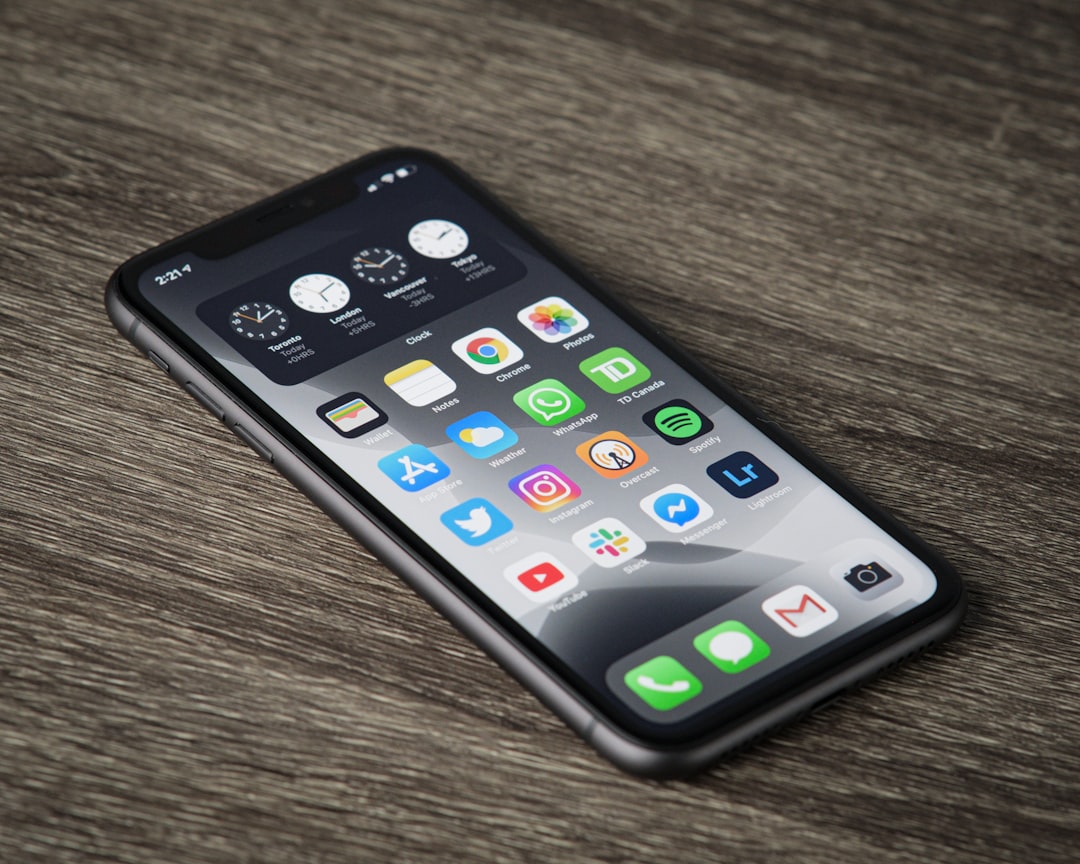
For anyone considering an older but still capable Apple smartphone, the iPhone 11 remains a popular choice because it balances performance, camera quality, and long-term software support. One important question for travelers, business users, and anyone who wants two phone numbers on one device is whether the iPhone 11 supports eSIM. The short answer is yes: the iPhone 11 supports eSIM alongside a physical nano-SIM, giving users flexible options for mobile service.
TLDR: The iPhone 11 does support eSIM, and it can be used together with a physical nano-SIM for Dual SIM functionality. This means a user can keep two active cellular plans on the same device, such as one for personal use and one for work, or one for home service and one for travel. eSIM works by downloading a carrier profile digitally instead of inserting a second physical SIM card. Availability depends on the carrier, region, and whether the iPhone is unlocked.
Contents of Post
Does the iPhone 11 Support eSIM?
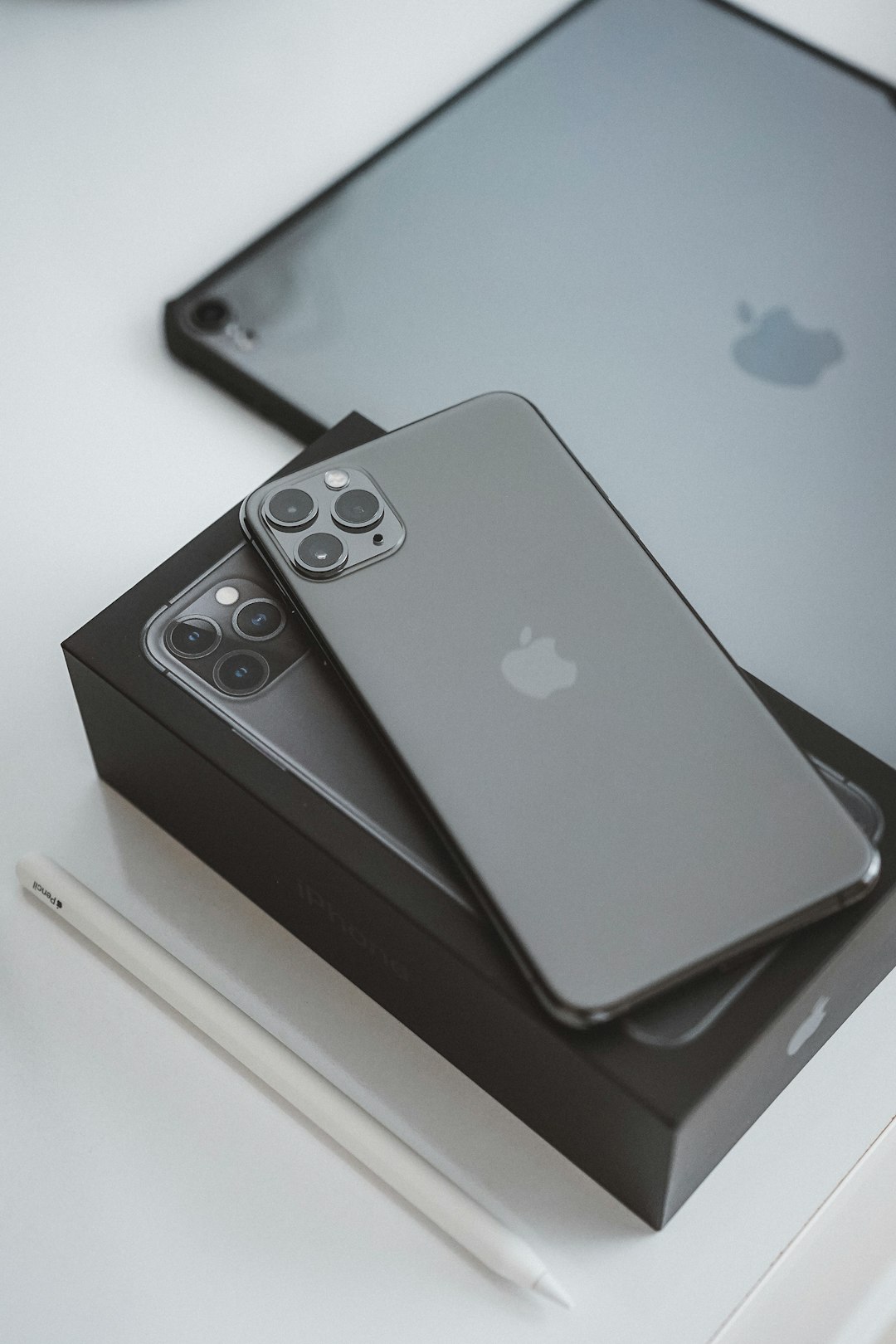
The iPhone 11 supports eSIM technology. Apple introduced eSIM support to many iPhone models starting with the iPhone XS, iPhone XS Max, and iPhone XR, and the iPhone 11 continued that feature. In practical terms, this means the iPhone 11 can use one physical nano-SIM card and one digital eSIM at the same time.
This setup is commonly referred to as Dual SIM. On the iPhone 11, Dual SIM does not mean two physical SIM card slots. Instead, it uses one removable SIM card and one embedded SIM built into the phone’s hardware. The embedded SIM is not visible and cannot be removed, but it can store supported carrier plans that are added through iOS.
For many users, eSIM support is one of the most useful features of the iPhone 11. It allows someone to separate work and personal calls, use a local data plan while traveling abroad, or compare mobile plans without constantly swapping small SIM cards.
What Is an eSIM?
An eSIM, or embedded SIM, is a digital version of a traditional SIM card. A traditional SIM is a small physical chip that identifies a phone to a carrier’s network. An eSIM performs the same basic function, but it is built into the device and activated through software.
Instead of receiving a plastic SIM card and inserting it into the phone, the user typically receives a QR code, carrier app activation, or manual setup details. Once the mobile plan is added, the iPhone 11 downloads the carrier profile and connects to the network.
The main benefits of eSIM include:
- Convenience: A mobile plan can often be activated without visiting a store.
- Travel flexibility: Users can add short-term international data plans quickly.
- Dual SIM use: The iPhone 11 can operate with both a physical SIM and an eSIM.
- Less physical handling: There is no need to swap or store tiny SIM cards.
- Faster plan switching: Supported plans can be managed from the iPhone’s settings.
How eSIM Works on the iPhone 11
On the iPhone 11, the eSIM is built into the device. When a carrier supports eSIM, it provides the information needed to activate a cellular plan. The iPhone then stores that plan as a digital cellular profile.
Once the eSIM plan is installed, the user can choose which line handles specific functions. For example, one number can be used for voice calls and text messages, while another can be used for mobile data. The iPhone 11 also allows labels such as Personal, Business, Travel, or Secondary, making it easier to recognize which line is being used.
On most iPhone 11 models, both lines can remain active for calls and messages, but only one line can use cellular data at a time. The phone can switch data usage depending on the user’s settings, and there is also an option called Allow Cellular Data Switching. When enabled, the iPhone may use the line that provides better availability for data in certain situations.
How to Set Up eSIM on an iPhone 11
Setting up eSIM on the iPhone 11 is usually straightforward, although the exact process depends on the carrier. Before starting, the device should be connected to Wi-Fi, updated to a recent iOS version, and unlocked if the user plans to use a different carrier from the original provider.
The general process is as follows:
- Open the Settings app.
- Tap Cellular or Mobile Data, depending on the region.
- Select Add eSIM or Add Cellular Plan.
- Scan the QR code provided by the carrier, or follow the carrier app instructions.
- Confirm the activation details.
- Choose labels for the available lines, such as Primary and Business.
- Select the default line for calls, messages, and cellular data.
Some carriers support eSIM Carrier Activation, where the carrier assigns the eSIM directly to the iPhone. In that case, the user may only need to follow an on-screen prompt. Others require a QR code or activation through a carrier app.

Can the iPhone 11 Use Two Numbers?
Yes, the iPhone 11 can use two phone numbers when one line is on the physical nano-SIM and the other is on the eSIM. This is especially useful for people who do not want to carry two phones.
For example, a user may keep a personal number on the physical SIM and add a work number through eSIM. Another user may keep a home carrier on the physical SIM and add a travel data plan through eSIM while visiting another country.
When making a call or sending a message, the iPhone can show which line is being used. Contacts can also be assigned a preferred line. This means calls to a business contact can automatically use the business number, while calls to family members can use the personal number.
However, there are some technical limits. The iPhone 11 uses Dual SIM Dual Standby, often shortened to DSDS. This means both lines can wait for calls, but if one line is actively being used for a call, the other may not be fully available unless carrier features such as Wi-Fi Calling are enabled and properly configured.
Is Every iPhone 11 Compatible With eSIM?
Most iPhone 11 models support eSIM, but there are regional differences. In many countries, the iPhone 11 includes one physical nano-SIM slot and one eSIM. However, certain models sold in mainland China, Hong Kong, and Macao may have different SIM configurations. Some of those versions support two physical nano-SIM cards instead of eSIM.
Because of this, someone buying a used or imported iPhone 11 should check the exact model and regional version. The easiest way is to look in Settings > General > About and review the model information. If the device shows options for adding an eSIM or cellular plan in the Cellular settings, it likely supports eSIM.
Carrier support is also important. Even if the iPhone 11 supports eSIM, the carrier must support eSIM activation for iPhone. If a carrier does not offer eSIM service, the feature cannot be used with that carrier.
Using eSIM for Travel
Travel is one of the biggest reasons many people use eSIM on the iPhone 11. Instead of buying a physical SIM card at an airport or mobile shop, a traveler can purchase an eSIM plan online before or during the trip. The plan can then be installed using a QR code or app.
This can help reduce roaming costs. A traveler can keep the primary number active for calls and messages while using the eSIM for local data. For instance, a person traveling from the United States to Europe may keep the U.S. number on the physical SIM and add a European data-only eSIM for maps, messaging apps, email, and browsing.
Before traveling, the user should check whether the iPhone 11 is carrier unlocked. If the phone is locked to one carrier, it may not accept an eSIM from another provider. Unlocking policies vary by carrier, so this should be confirmed in advance.
Advantages of eSIM on the iPhone 11
The iPhone 11’s eSIM support offers several practical advantages. The most obvious is convenience. A second plan can be added without opening the SIM tray or waiting for a physical SIM to arrive by mail.
Another advantage is organization. A person can keep business and personal communications separate on one device. The iPhone’s interface makes it clear which line is being used, and labels help avoid confusion.
eSIM can also make carrier switching easier. While it does not eliminate all steps in changing providers, it can reduce the need for physical SIM replacement. In some cases, users can activate service within minutes.
For travelers, eSIM can be a cost-saving tool. Local or regional eSIM data plans may be cheaper than international roaming packages, particularly for heavy data users.
Limitations and Things to Know
Although eSIM is useful, it is not perfect. The first limitation is carrier availability. Not every mobile network supports eSIM, and some providers may support eSIM only for certain plans.
Another limitation is device locking. If the iPhone 11 is locked to a carrier, the user may be unable to add an eSIM from another carrier until the phone is unlocked. This is a common issue with secondhand devices.
Users should also understand that transferring an eSIM from one phone to another may not be as simple as moving a physical SIM card. Some carriers allow direct eSIM transfer, while others require a new QR code or customer support assistance.
Finally, eSIM installation depends on the iPhone’s software and network access. A stable Wi-Fi connection is usually recommended during setup.
How to Manage eSIM Settings
The iPhone 11 allows eSIM settings to be managed through the Cellular menu. Users can turn lines on or off, rename them, choose the default voice line, and select which line uses mobile data.
Common settings include:
- Default Voice Line: Determines which number is used for calls by default.
- Cellular Data: Chooses which plan provides mobile internet access.
- Line Labels: Helps identify each plan, such as Primary, Work, or Travel.
- Data Switching: Allows the iPhone to switch between plans for cellular data when appropriate.
- Remove Cellular Plan: Deletes an eSIM profile from the device.
Removing an eSIM from the iPhone does not always cancel the carrier plan. It only removes the digital profile from the device. If the user wants to cancel service, the carrier must usually be contacted separately.
Conclusion
The iPhone 11 does support eSIM, and for many users, it remains one of the phone’s most valuable features. By combining one physical nano-SIM with one eSIM, the device can support two numbers or two cellular plans at the same time. This makes it practical for work, travel, personal organization, and flexible carrier use.
However, successful eSIM use depends on carrier support, regional model compatibility, and whether the device is unlocked. When these requirements are met, the iPhone 11 provides a simple and reliable way to use modern digital SIM technology without needing a newer iPhone.
FAQ
Does the iPhone 11 have eSIM?
Yes. The iPhone 11 supports eSIM in most regions and can use one eSIM together with one physical nano-SIM.
Can the iPhone 11 use two SIM cards?
Yes, but in most regions it uses one physical nano-SIM and one eSIM. Some regional models may support two physical SIM cards instead.
Can the iPhone 11 use two eSIMs at the same time?
No. The iPhone 11 can use one active eSIM and one physical SIM at the same time. Newer iPhone models offer more advanced eSIM options.
How does someone activate eSIM on the iPhone 11?
The user can activate eSIM by going to Settings > Cellular and selecting Add eSIM or Add Cellular Plan. The carrier may provide a QR code, app-based activation, or automatic activation.
Does the iPhone 11 need Wi-Fi to set up eSIM?
A Wi-Fi connection is usually recommended because the iPhone needs internet access to download and activate the eSIM profile.
Can eSIM be used for international travel?
Yes. Many travelers use eSIM plans for local or regional data while keeping their main number active on the physical SIM.
Will eSIM work if the iPhone 11 is carrier locked?
It may only work with the carrier that locked the phone. To use an eSIM from another provider, the iPhone usually needs to be unlocked.
Does removing an eSIM cancel the mobile plan?
No. Removing the eSIM from the iPhone usually only deletes the profile from the device. The user may still need to contact the carrier to cancel the plan.
Is eSIM better than a physical SIM?
eSIM is more convenient for many users because it can be activated digitally and is useful for travel or Dual SIM setups. However, a physical SIM can be easier to move between phones.
Where can the eSIM settings be found on the iPhone 11?
The settings are located under Settings > Cellular or Settings > Mobile Data, depending on the region and language settings.