
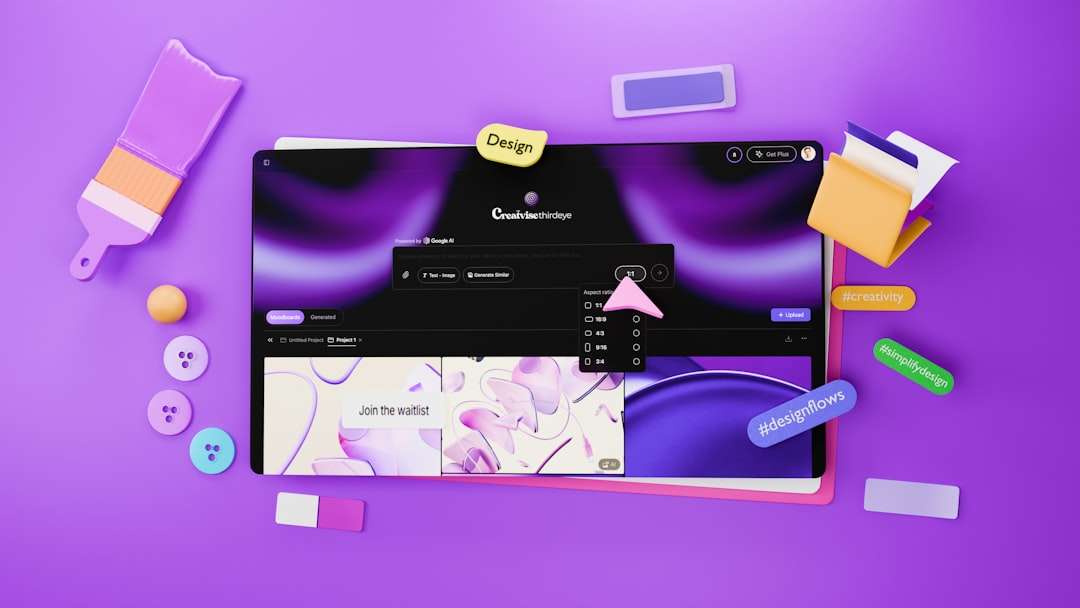
Scoreboards and digital displays used to feel stiff. They showed numbers. They blinked. They did their job. Today, they can do much more. With interactive design tools, teams, schools, venues, and businesses can build displays that feel alive, clear, and exciting.
TLDR: Interactive design tools make scoreboard and display creation faster, easier, and more fun. They let users drag, drop, preview, test, and update designs without complex coding. This helps create screens that look better, work better, and keep fans or viewers more engaged. In short, they turn a plain screen into a powerful visual experience.
Contents of Post
What Are Interactive Design Tools?
Interactive design tools are digital tools that help people create visual layouts. These layouts can appear on scoreboards, stadium screens, menu boards, event displays, office screens, or live broadcast graphics.
They are called interactive because you can work with the design in real time. You do not just type code and hope it looks right. You can click. You can drag. You can resize. You can change colors. You can move text. You can test animations. You can see the result right away.
That is a big deal.
It means a designer, coach, event manager, or school staff member can build a great display without feeling lost. The process becomes more like playing with building blocks. You place items where they belong. You adjust them until they look right. Then you send them to the screen.
They Make Design Faster
Speed matters. A scoreboard often needs quick updates. A display might need new sponsor graphics. A school event may need a new welcome screen. A concert might need a countdown timer.
Interactive tools make this faster.
Instead of starting from zero, users can begin with templates. A template is a ready made layout. It can include spaces for scores, team names, logos, ads, clocks, and messages.
That saves time.
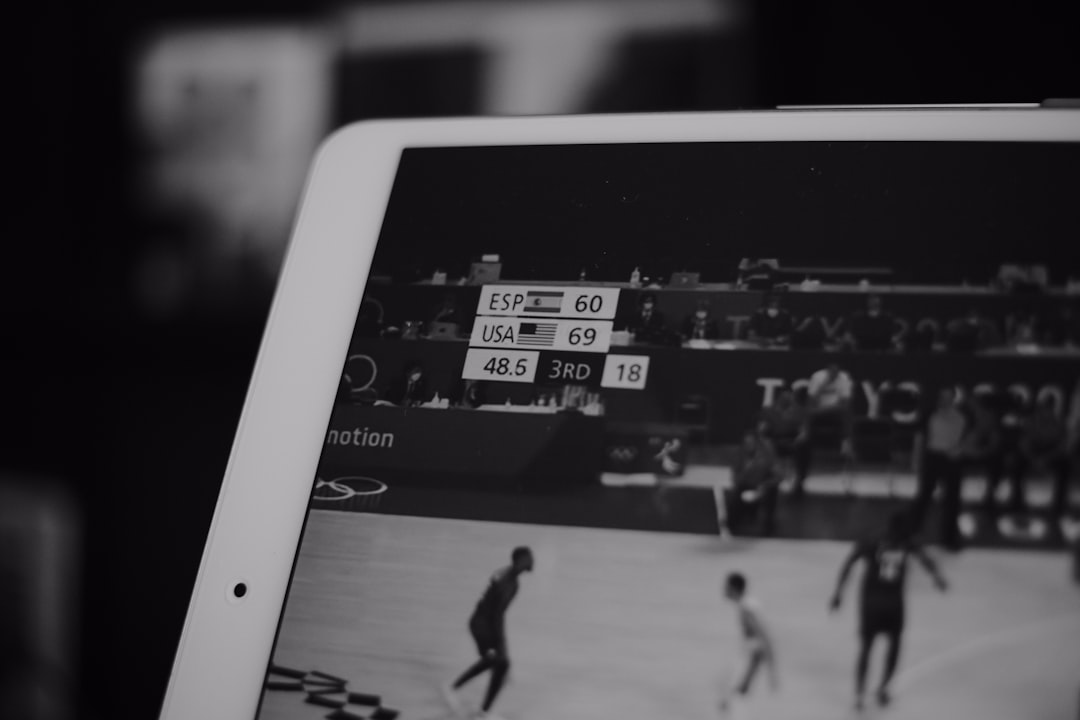
For example, a basketball scoreboard layout may already have:
- Team names
- Scores
- Period number
- Game clock
- Team logos
- Foul counts
The user only needs to edit the details. They can swap names. They can adjust colors. They can add sponsor banners. The tool handles the structure.
This is great for busy venues. It is also great for people who are not full time designers. They can create something polished in less time.
They Make Design Easier to Understand
Scoreboard design can sound technical. There are pixels. Ratios. Resolution sizes. Live data feeds. Timing systems. Display zones. Layer controls.
That can feel scary.
Interactive tools make it simpler. They turn complex parts into visual controls. A user can see a box for the score. They can click it. They can move it. They can make it larger. They can change its color.
This visual style helps people understand the screen better.
It answers questions fast:
- Is the score easy to read?
- Is the clock too small?
- Does the logo block the message?
- Will fans see this from far away?
- Does the design feel exciting?
When people can see changes instantly, they learn faster. They also make better choices.
They Help Teams Work Together
Creating a scoreboard or display is often a team job. A designer may create the layout. A marketing person may add sponsor content. A coach may request player names. A school director may want a welcome message. A technician may test it on the actual screen.
Interactive tools help everyone work together.
Many tools allow comments, previews, drafts, and shared files. This means people can review the design before game day. They can mark changes. They can approve layouts. They can avoid last minute panic.
That is very helpful.
Imagine this simple workflow:
- The designer builds the main scoreboard layout.
- The events team adds game messages.
- The sponsor manager adds ads.
- The technician checks screen fit.
- The manager approves the final version.
Everyone stays in the loop. Fewer mistakes happen. The final display looks more professional.
They Support Real Time Updates
Scoreboards are not posters. They change all the time.
The score changes. The clock moves. Player stats update. A new inning begins. A timeout happens. A record is broken. A sponsor message appears.
Interactive design tools can connect designs to live data. This means the display can update automatically. The person running the screen does not have to type everything by hand.
For sports, this is huge.
A scoreboard can show:
- Live score
- Game time
- Player stats
- Team fouls
- Substitutions
- Possession
- Match results
For other displays, it can show useful live information too. A transit display can show arrival times. A school display can show schedule changes. A retail display can show current deals. A conference screen can show session updates.
Live updates keep the display useful. They also keep people paying attention.

They Make Screens More Fun
A scoreboard should not be boring. It should add energy.
Interactive tools help creators add motion, color, and effects. These can make big moments feel even bigger.
Think about a home run animation. Or a goal celebration. Or a “Make Some Noise” message. Or a countdown with flashing lights.
These details create emotion. They help the crowd react. They make the event feel special.
Good tools let users add:
- Animations for scores and alerts
- Video clips for intros and celebrations
- Sound triggers for crowd moments
- Color themes for each team
- Motion backgrounds for extra energy
But there is a balance. Too much movement can be distracting. Interactive tools help here too. Users can preview effects before using them live. They can test what feels fun and what feels messy.
They Improve Readability
A display must look good. But it also must be easy to read.
This matters a lot for scoreboards. Fans may be far away. Some may be sitting at an angle. Some may glance at the screen for only one second.
The design needs to be clear.
Interactive tools help improve readability in many ways. Users can test font sizes. They can change contrast. They can move key information higher on the screen. They can use preview modes for different screen sizes.
Simple choices can make a big difference.
For example:
- Use large numbers for scores.
- Use strong contrast between text and background.
- Keep team names short when possible.
- Do not crowd the screen.
- Place the clock where people expect it.
- Use icons only when they are easy to understand.
Interactive tools make these choices easier. You can try one option. Then try another. Then compare them.
No guessing. No squinting. Just better design.
They Lower the Need for Coding
Some scoreboard systems once required special coding skills. That made changes slow. It also made the process depend on one technical person.
Interactive tools reduce that problem.
Many tasks can now be done with simple controls. You can choose a layout. You can enter text. You can upload a logo. You can set an animation. You can connect a data field.
This does not mean technical skill is useless. It still matters for advanced setups. But everyday display creation becomes much more open.
That helps small teams. It helps schools. It helps local sports clubs. It helps event spaces. It helps businesses that need sharp displays but do not have large design departments.
They Help Keep Branding Consistent
Branding is the look and feel of an organization. It includes colors, logos, fonts, patterns, and tone.
A scoreboard should match the team or venue brand. A display should not feel random. It should feel connected to the place and the event.
Interactive tools can store brand assets. These are things like logos, color palettes, and approved fonts. This makes it easier to keep every screen consistent.
For example, a high school can use the same colors for:
- Football games
- Basketball games
- Graduation events
- School announcements
- Fundraiser displays
This makes everything feel more professional. It also builds pride. People notice when the visuals feel clean and unified.
They Make Sponsor Content Easier
Sponsors are important for many venues. Their ads may appear before games, during breaks, or between plays.
Interactive tools make it easier to manage this content. Users can create ad zones. They can schedule sponsor messages. They can rotate images. They can preview how ads will look beside scores or live content.
This is good for the venue. It is also good for sponsors.
A sponsor ad should be visible. But it should not ruin the scoreboard layout. Interactive tools help place ads in smart spots. They can appear at the right time and in the right size.
That means better value for sponsors. It also means a better experience for fans.
They Reduce Mistakes
Mistakes happen. A name may be spelled wrong. A logo may be stretched. A score box may be too small. An ad may cover the clock. A graphic may not fit the screen.
Interactive tools help catch these errors early.
Preview modes are very useful. They show how the design will look before it goes live. Some tools also warn users if an image is too low quality or if text may be hard to read.
This helps teams fix problems before the crowd sees them.
That matters. A big screen makes small mistakes look huge.
They Let Creators Design for Different Screens
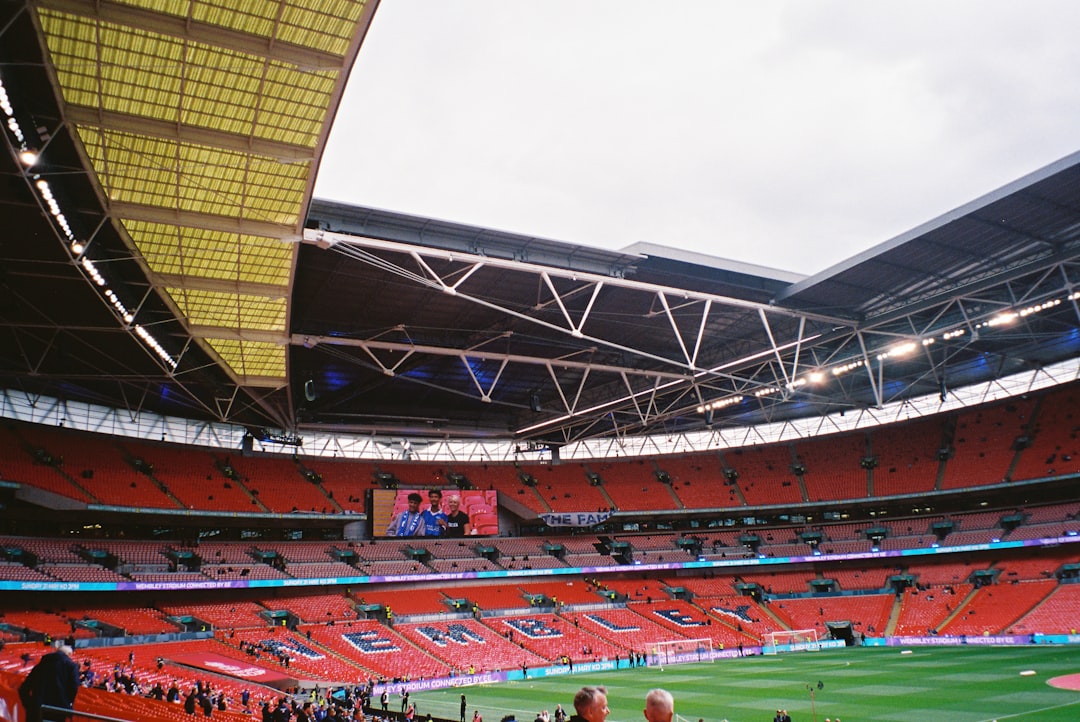
Not all screens are the same. A stadium video board is huge. A gym scoreboard may be narrow. A lobby display may be vertical. A restaurant menu board may use several screens side by side.
Interactive tools help creators design for different sizes and shapes.
They can resize layouts. They can create versions for wide screens and tall screens. They can test safe zones. A safe zone is the area where important content should stay. It keeps text from being cut off or hidden.
This is very helpful for modern venues. Many now use several displays at once. Each screen may need a different layout. Interactive tools make that easier to manage.
They Encourage Experimenting
Great design often comes from trying things.
What if the score is bigger? What if the background is darker? What if the timer has a glow? What if the team logo slides in from the side?
Interactive tools make experimenting safe and quick. You can make a copy of a layout. You can try a wild idea. If it does not work, you can undo it.
This freedom is powerful.
It helps people become more creative. It also leads to better final designs. When tools are easy to use, people are more willing to explore.
They Improve the Fan Experience
The biggest benefit is simple. Interactive tools help create better experiences.
Fans want to know the score. They want to feel the energy. They want to see replays, stats, messages, and celebrations. They want the screen to match the action.
A strong display can make a normal game feel like a major event.
It can guide the crowd. It can build suspense. It can celebrate players. It can thank sponsors. It can share news. It can bring people together.
That is why display design matters.
Final Thoughts
Interactive design tools have changed scoreboard and display creation in a big way. They make the work faster, clearer, and more creative. They help people build screens that are easy to read and exciting to watch.
They also make the process less stressful. Teams can preview designs. They can update live data. They can manage sponsors. They can keep branding clean. They can fix problems before the event begins.
In the end, a scoreboard is more than a place for numbers. A display is more than a bright rectangle. With the right tools, it becomes part of the show.
And when the screen comes alive, the whole crowd feels it.