

In today’s digital world, we constantly deal with files, downloads, cloud storage, and device capacity—but many people still feel confused when they see terms like KB, MB, or GB. Whether you’re checking your phone’s storage, uploading documents, or comparing hard drives, understanding these digital storage units can save you from mistakes and frustration. The good news? Converting kilobytes (KB) to gigabytes (GB) is much simpler than it first appears.
TLDR: Digital storage units follow a clear and logical system based on multiples of 1,024 in most computing contexts. A kilobyte (KB) is smaller than a megabyte (MB), and a gigabyte (GB) is much larger, with 1 GB typically equaling 1,024 MB and 1,048,576 KB. Understanding these relationships makes it easy to convert between units and better manage your storage space. Once you grasp the pattern, the calculations become second nature.
Contents of Post
Why Digital Storage Units Matter
Every digital file—whether it’s a photo, video, app, or document—takes up space. That space is measured in bytes and their larger counterparts. When your phone says you have “2 GB free,” or when your email service limits attachments to “25 MB,” you’re interacting with storage units.
Understanding these units helps you:
- Estimate download times
- Manage device storage effectively
- Choose the right storage plan
- Avoid exceeding file size limits
Without this knowledge, it’s easy to underestimate how large certain files really are—especially high-resolution photos and 4K videos.
The Foundation: What Is a Byte?
At the heart of all digital storage measurements is the byte. A byte is a basic unit of digital information, typically consisting of 8 bits. Bits are the smallest units of data in computing, represented as 0s and 1s.
From bytes, we build increasingly larger units:
- Kilobyte (KB)
- Megabyte (MB)
- Gigabyte (GB)
- Terabyte (TB)
Each step represents a dramatic increase in storage capacity.

Understanding the 1,024 Rule
Unlike the metric system, which is based on powers of 1,000, digital storage in traditional computing is based on powers of 2. This results in a key number:
1,024
Here’s how it works in most computing contexts:
- 1 Kilobyte (KB) = 1,024 bytes
- 1 Megabyte (MB) = 1,024 KB
- 1 Gigabyte (GB) = 1,024 MB
- 1 Terabyte (TB) = 1,024 GB
This continues upward for even larger storage units.
Why 1,024 instead of 1,000? Computers operate in binary (base 2), and 1,024 equals 210. That makes it mathematically convenient in digital systems.
So, How Many KB Are in a GB?
Now we get to the core question.
If:
- 1 MB = 1,024 KB
- 1 GB = 1,024 MB
Then to find the number of kilobytes in a gigabyte, we multiply:
1,024 × 1,024 = 1,048,576
So:
1 GB = 1,048,576 KB
This number may look intimidating, but it’s simply two layers of 1,024 applied consecutively.
A Step-by-Step Conversion Example
Let’s say you have a file that’s 524,288 KB, and you want to know how many gigabytes that is.
Step 1: Convert KB to MB.
Divide by 1,024:
524,288 ÷ 1,024 = 512 MB
Step 2: Convert MB to GB.
Divide by 1,024 again:
512 ÷ 1,024 = 0.5 GB
So, 524,288 KB equals 0.5 GB.
Breaking it into steps makes the math manageable and easy to follow.
Decimal vs Binary: Why Storage Sizes Sometimes Look “Wrong”
You may have noticed something strange. You buy a 500 GB hard drive, but your computer shows only about 465 GB available. What’s happening?
This discrepancy comes from two different measurement systems:
- Binary system (1,024-based) – used by operating systems
- Decimal system (1,000-based) – often used by manufacturers
In the decimal system:
- 1 KB = 1,000 bytes
- 1 MB = 1,000 KB
- 1 GB = 1,000 MB
Manufacturers use base 10 because the numbers are simpler and look larger in marketing materials. Operating systems calculate using base 2 (1,024), which reduces the display value slightly.
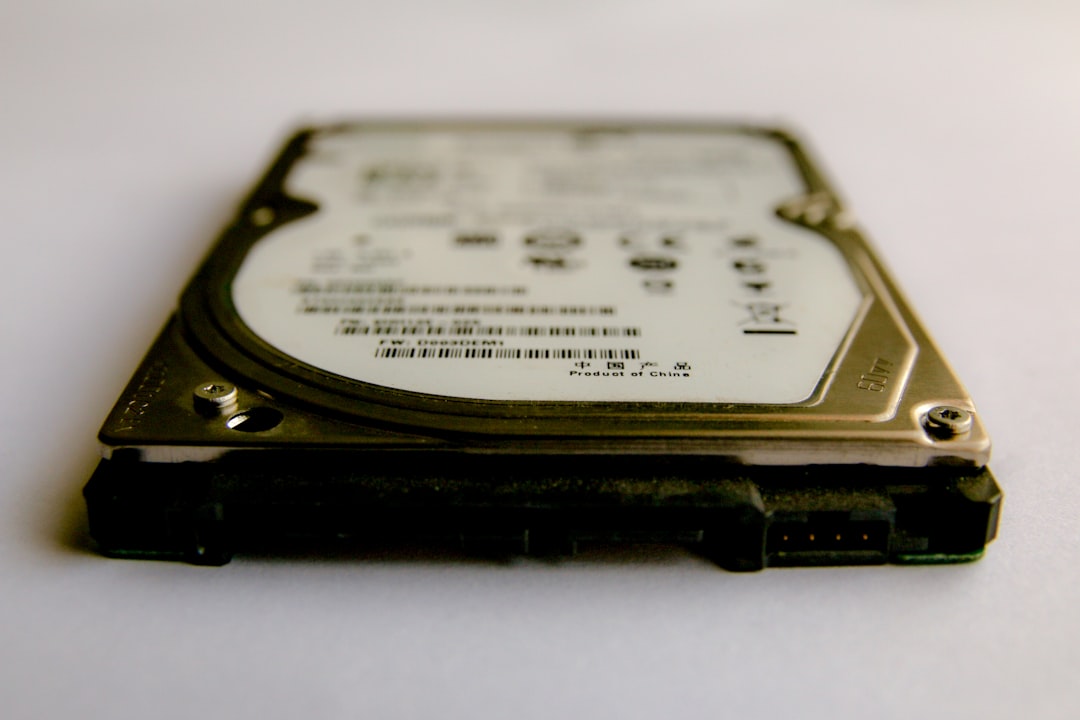
This difference isn’t a scam—it’s just two measurement standards being applied to the same device.
Quick Conversion Reference Table
Here’s a practical breakdown using the binary (1,024-based) system:
- 1 KB = 1,024 bytes
- 10 KB = 10,240 bytes
- 100 KB = 102,400 bytes
- 1 MB = 1,024 KB
- 10 MB = 10,240 KB
- 100 MB = 102,400 KB
- 1 GB = 1,048,576 KB
Notice the consistent pattern. Each jump multiplies by 1,024.
Real-World File Size Examples
To better understand KB to GB conversion, let’s look at everyday file sizes:
- Text document: 20–100 KB
- High-resolution photo: 2–5 MB
- Song (MP3): 3–10 MB
- HD movie: 2–6 GB
- 4K movie: 15–100 GB
This perspective shows why kilobytes are relatively tiny compared to gigabytes. A single HD movie can be equivalent to over 6 million KB.

How to Convert KB to GB Quickly
If you want a shortcut, remember this:
To convert KB to GB, divide by 1,048,576.
For example:
2,097,152 KB ÷ 1,048,576 = 2 GB
If you don’t need extreme precision, you can:
- Divide by 1,024 to get MB
- Divide by 1,024 again to get GB
Using a calculator makes it fast, but understanding the logic ensures you’re not blindly trusting numbers.
Why This Knowledge Is Increasingly Important
As technology evolves, file sizes are growing rapidly. Consider:
- Smartphones now record 4K and even 8K video
- Video games often exceed 100 GB
- Cloud storage plans are measured in hundreds of gigabytes
Without understanding storage units, you might:
- Run out of storage unexpectedly
- Choose the wrong cloud subscription
- Underestimate data transfer needs
Being comfortable converting between KB, MB, and GB allows you to make smarter digital decisions.
Common Mistakes to Avoid
Even tech-savvy users sometimes fall into these traps:
- Mixing up KB and KBps (kilobytes vs kilobytes per second)
- Confusing base 10 and base 2 conversions
- Forgetting the second division by 1,024 when converting to GB
Taking a moment to verify which unit you’re working with prevents unnecessary errors.
Final Thoughts
At first glance, converting KB to GB might seem technical or overly mathematical. But once you understand the foundational rule—each step multiplying or dividing by 1,024—the entire system becomes logical and predictable.
1 GB equals 1,048,576 KB in standard binary-based computing. From there, any conversion simply involves dividing or multiplying by 1,024 in stages.
Digital storage units aren’t just abstract measurements; they directly affect how you store photos, download media, manage devices, and purchase technology. By mastering this simple hierarchy, you gain clearer control over your digital world.
And next time someone asks how many kilobytes are in a gigabyte, you won’t just know the number—you’ll understand why.