
Lichess is widely appreciated for its clean design, customizable themes, and distraction-free interface. Yet some users occasionally encounter a puzzling visual issue: images, boards, or interface elements appearing in a purple or violet tint. This unexpected color shift can be confusing, especially for players who rely heavily on visual clarity during games and analysis sessions.
TLDR: Images appear purple on Lichess most commonly due to browser extensions, forced dark mode settings, GPU rendering issues, or color profile conflicts. Accessibility settings such as colorblind modes or CSS overrides can also alter image colors. In most cases, the issue is not caused by Lichess itself but by local device or browser configurations. Troubleshooting display settings and disabling extensions typically resolves the problem.
Contents of Post
Understanding Why Images May Appear Purple
When images or visual elements turn purple on Lichess, the root cause is almost always related to color rendering rather than a problem with the platform’s servers. Modern browsers and operating systems apply various filters, themes, and rendering optimizations that can unintentionally distort colors.
Several factors may contribute to the issue:
- Forced dark mode in browsers
- Colorblind accessibility filters
- Graphics card (GPU) rendering problems
- Browser extensions modifying CSS
- Monitor color profile misconfiguration
Understanding these factors helps narrow down the solution quickly.
1. Forced Dark Mode or Browser Theme Overrides
Many modern browsers, including Chrome and Edge, offer experimental or built-in force dark mode features. These tools automatically invert or recolor website elements to simulate dark themes—even if the site already provides its own styling.
Lichess already includes native dark themes. When a browser extension or forced dark mode overlays additional adjustments, it can cause images to shift toward purple tones.
Image not found in postmetaThis happens because:
- Color inversion algorithms misinterpret transparent backgrounds
- Hue rotations apply unevenly to PNG and SVG graphics
- CSS filters override native site styling
Solution: Disable forced dark mode or test Lichess in an incognito window with extensions turned off.
2. Colorblind or Accessibility Filters
Lichess offers several board and piece themes tailored to different visual needs. Additionally, operating systems provide accessibility filters for users with color vision deficiency.
Sometimes, these filters shift colors dramatically. Purple is a common artifact when red and blue channels are emphasized while green is reduced. If a user recently enabled:
- Colorblind correction mode
- High contrast setting
- Custom display theme
- Third-party accessibility extension
images may appear tinted.
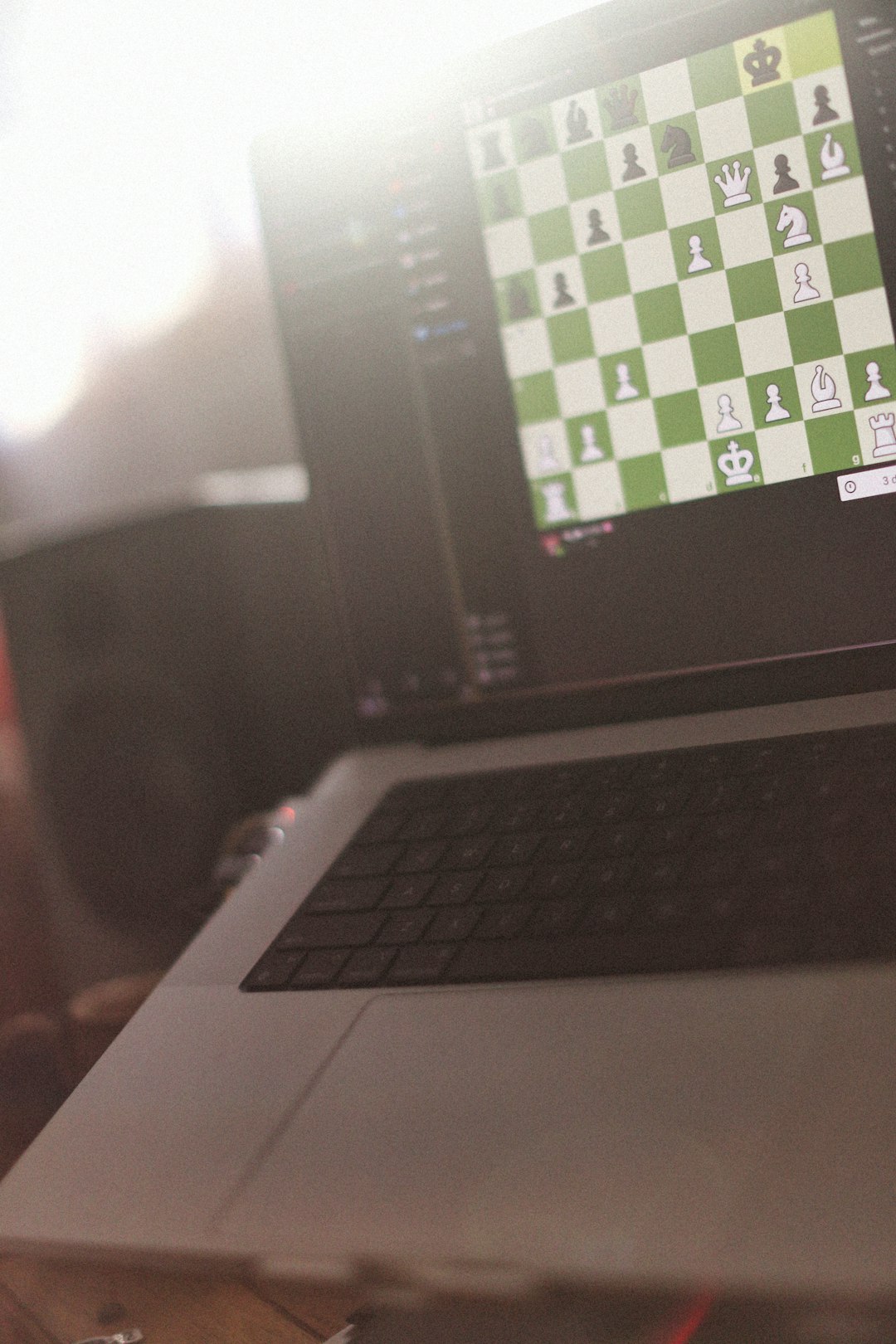
Solution: Check system accessibility settings and revert to default display preferences. On Windows, this can be found under “Color Filters.” On macOS, look under “Display” in Accessibility settings.
3. GPU Rendering or Hardware Acceleration Issues
Hardware acceleration allows browsers to use the graphics card for rendering images. While this improves performance, it can sometimes produce strange color artifacts.
When the GPU misinterprets color profiles or experiences driver conflicts, images may appear:
- Purple-tinted
- Over-saturated
- Inverted
- Discolored in specific areas only
These issues often affect:
- SVG piece sets
- Analysis board highlights
- Thumbnail previews
Solution: Turn off hardware acceleration in the browser and restart it. Updating graphics drivers may also fix the issue.
4. Monitor Color Profile Conflicts
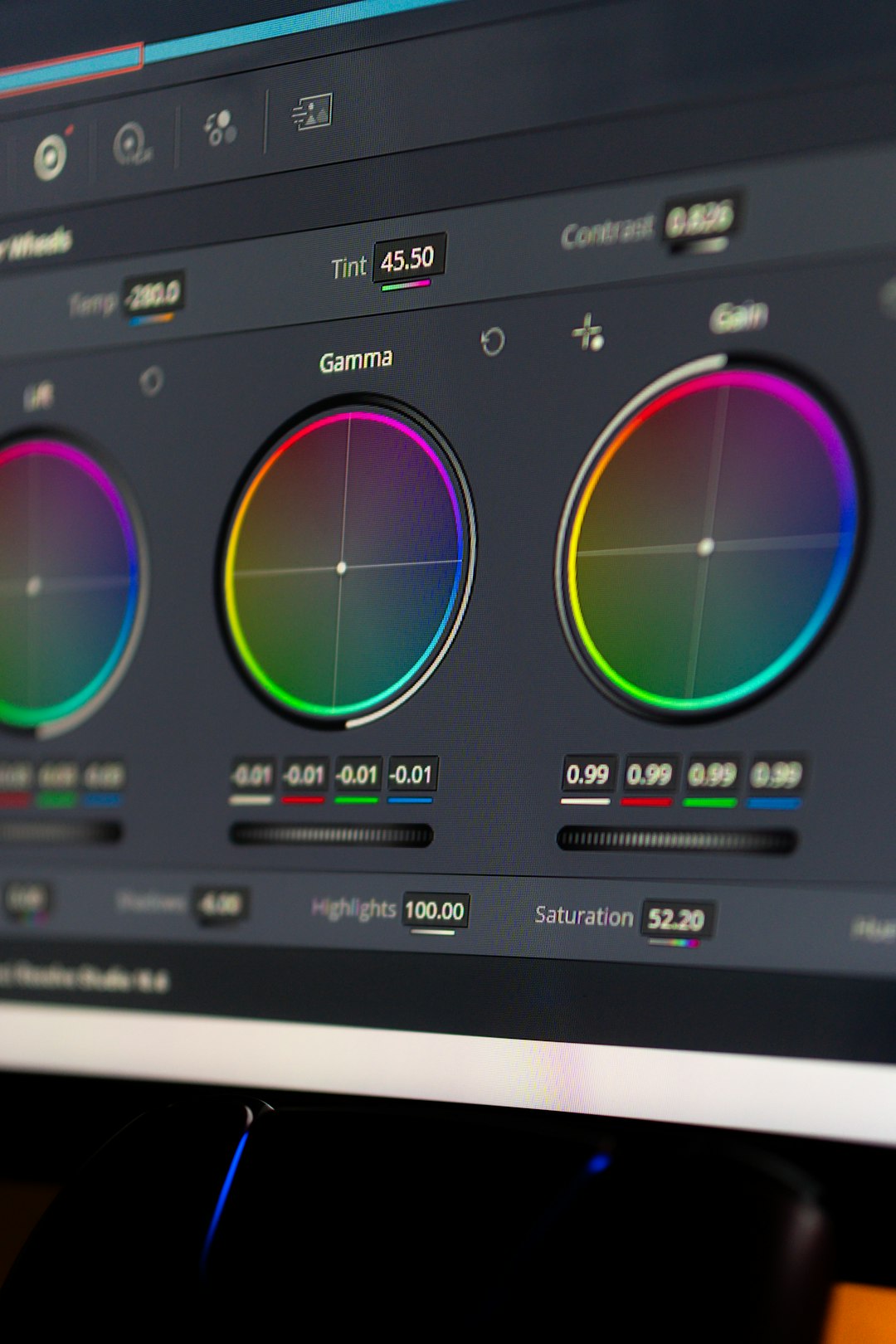
Color management systems use ICC profiles to ensure accurate color representation. If the wrong profile is applied, particularly on wide-gamut monitors, colors may appear skewed toward purples or magentas.
This is especially common when:
- An external monitor is connected
- A new monitor driver was installed
- HDR mode is enabled
Solution:
- Reset the monitor to factory color settings.
- Disable HDR temporarily.
- Switch to a standard sRGB color profile.
5. Browser Extensions Modifying Webpages
Extensions designed for readability, dark mode, ad blocking, or custom theming often inject CSS into webpages. Sometimes this unintentionally alters image color values.
Common extension types that cause purple tinting include:
- Dark mode enforcers
- Stylus or user CSS tools
- High contrast filters
- Night mode screen adjusters
Because Lichess uses lightweight and transparent image formats, style overrides can significantly alter appearance.
Comparison of Common Causes and Fixes
| Possible Cause | Typical Symptoms | Difficulty to Fix | Recommended Solution |
|---|---|---|---|
| Forced Dark Mode | Entire site has purple hue | Easy | Disable dark mode extension |
| Accessibility Filters | Board colors distorted | Easy | Turn off system color filters |
| GPU Rendering Issue | Images glitch or shift tone | Moderate | Disable hardware acceleration |
| Monitor Color Profile | All sites appear purple | Moderate | Reset to sRGB profile |
| Custom CSS Extension | Only Lichess affected | Easy | Disable styling extensions |
Is It a Lichess Bug?
While display bugs can occasionally occur, genuine server-side color issues on Lichess are rare. The platform uses standard web-safe color values and vector-based graphics that render consistently across devices.
If the problem were server-related:
- Many users would report it simultaneously
- The issue would appear across different devices
- Mobile and desktop would both be affected
In most reported cases, the cause is localized to individual configurations rather than the platform itself.
Steps to Troubleshoot Purple Images on Lichess
- Open Lichess in an incognito or private browsing window.
- Disable all browser extensions temporarily.
- Turn off hardware acceleration in browser settings.
- Check system-wide color filter settings.
- Reset monitor color profile to default.
If the issue disappears during any step, you’ve found the culprit.
Why Purple Specifically?
Purple often appears due to imbalanced RGB channels. Digital images are created using red, green, and blue light values. If green is suppressed or red and blue are amplified, purple naturally emerges.
Color inversion or hue-rotate filters frequently impact green values first, making purple a common artifact in display errors.
Preventing Future Display Issues
To avoid recurring problems:
- Keep your graphics drivers updated
- Avoid stacking multiple visual modification extensions
- Use Lichess’s built-in themes instead of forced browser modes
- Calibrate your monitor periodically
- Test major changes before playing rated games
Stability in display settings ensures accurate board visualization and improves overall playing experience.
Frequently Asked Questions (FAQ)
Why does only Lichess look purple, but other websites look normal?
This usually indicates a browser extension or custom CSS tool affecting Lichess specifically. Try disabling extensions or using incognito mode to confirm.
Can Lichess themes cause purple images?
Lichess themes themselves are stable and tested. However, combining built-in dark themes with forced browser dark mode may create color conflicts.
Is purple tint a sign of a virus?
No. Purple color distortion is almost always related to display rendering settings, not malware.
Does switching browsers help?
Yes. Testing Lichess in another browser can quickly determine whether the issue is browser-specific.
Why do screenshots sometimes look normal even when my screen is purple?
If the screenshot appears normal on another device, the issue is likely with your monitor or GPU rendering rather than the website itself.
Will reinstalling my browser fix the issue?
Reinstalling can help if corrupted settings are involved, but first try disabling extensions and resetting display settings.
In summary, purple images on Lichess are rarely a platform defect. They almost always stem from local display configurations, browser adjustments, or hardware acceleration quirks. With systematic troubleshooting, the issue can be identified and resolved quickly.