
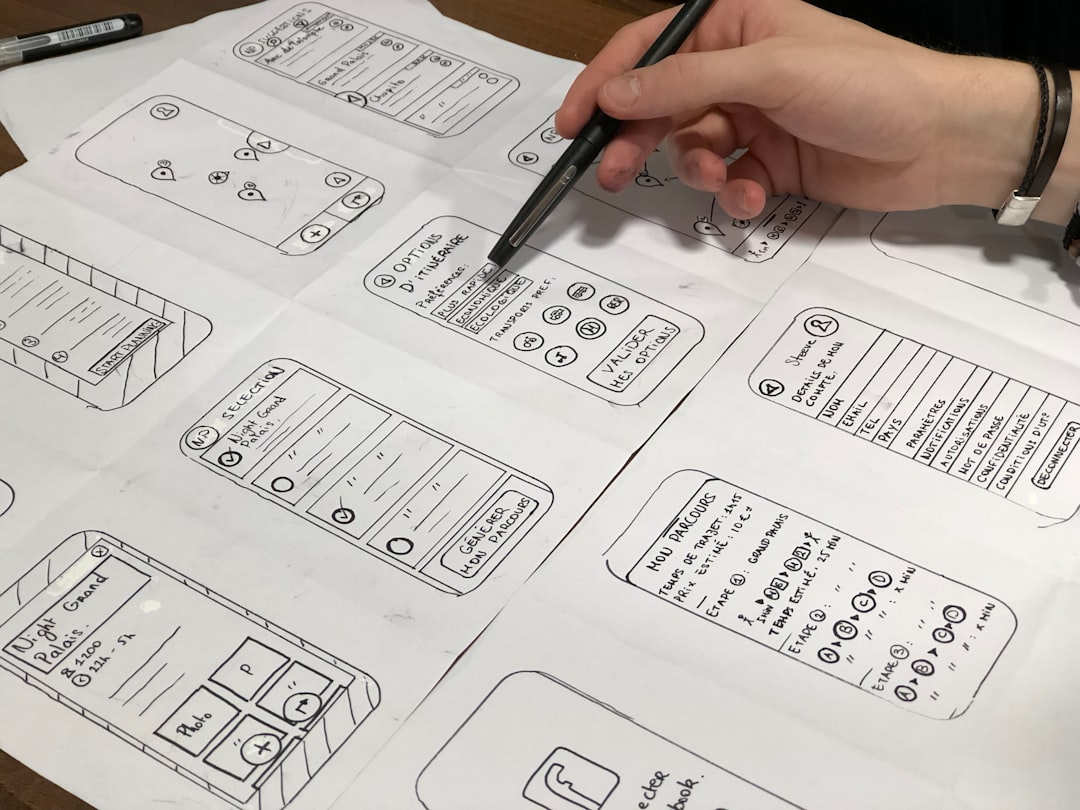
User interfaces are no longer static screens. They move. They react. They feel alive. And if you want to design modern apps, you need tools that let you animate and add interactions without writing complex code. Apps like ProtoPie make this possible. But they’re not alone. There are many powerful UI animation tools that help you build interactive prototypes that actually feel real.
TLDR: UI animation apps like ProtoPie help designers create interactive, realistic app prototypes without coding. These tools let you add motion, gestures, transitions, and logic to bring ideas to life fast. Popular options include ProtoPie, Principle, Framer, Adobe XD, and Figma. The best choice depends on your workflow, budget, and how advanced your animations need to be.
Contents of Post
Why UI Animation Matters
Think about your favorite app. When you tap a button, it responds. When you swipe, something moves. When you scroll, elements fade in smoothly. That’s not random. It’s carefully designed micro-interaction.
Animation is communication.
- It shows users what just happened.
- It guides attention.
- It makes apps feel fast and smooth.
- It reduces confusion.
Static mockups can’t fully show this. But interactive prototypes can. That’s where UI animation apps come in.
What Makes a Great UI Animation App?
Not all prototyping tools are equal. The best ones have:
- Timeline controls for precise animation timing
- Smart triggers like tap, drag, scroll, and hover
- Conditional logic (if this happens, then do that)
- Device preview for real-world testing
- Smooth transitions without lag
Some tools focus on simplicity. Others focus on power. Let’s explore the top apps like ProtoPie that help you build stunning interactive prototypes.
1. ProtoPie
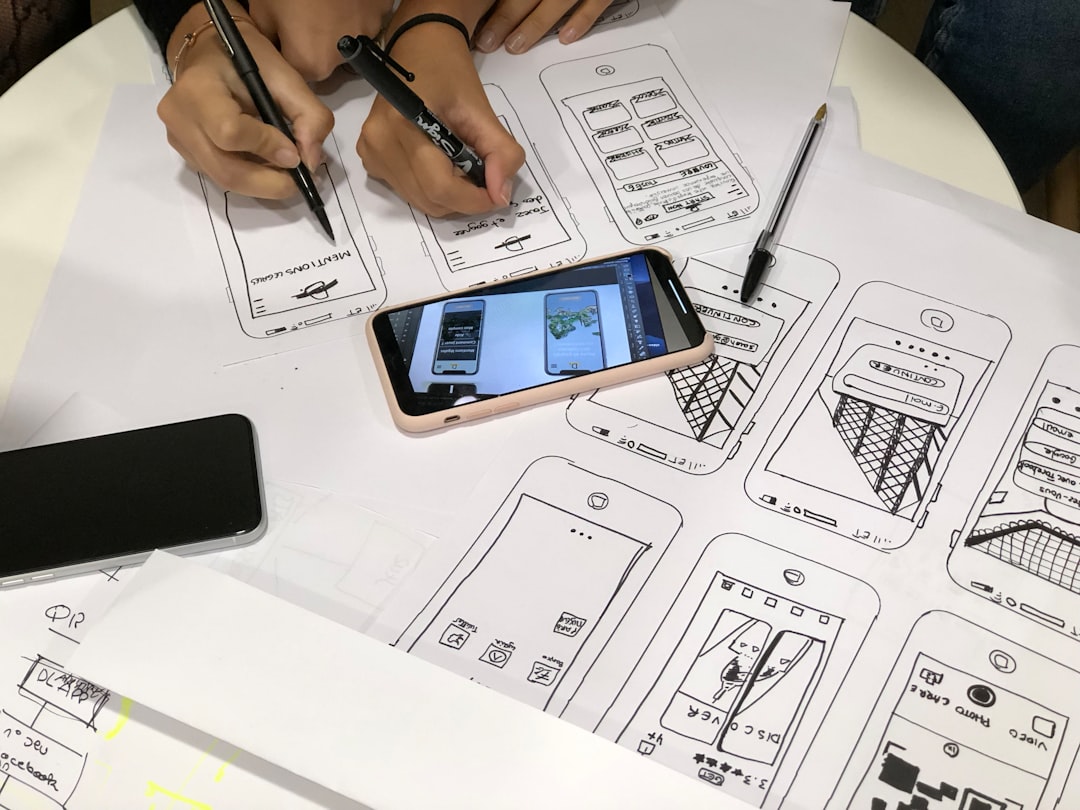
ProtoPie is known for advanced interaction design without code. It allows designers to create complex logic-based animations using a visual interface.
What makes it powerful?
- Sensor inputs (tilt, sound, camera)
- Conditional logic
- Variables
- Voice interaction
You can build realistic prototypes that feel like real apps. Want a button to change based on user behavior? Easy. Want drag physics? Done.
Best for: Advanced UX designers who want full control without coding.
2. Principle
Principle is simple. Focused. Clean.
It’s especially popular among macOS users. The tool uses a timeline-based approach. You design screens and create smooth transitions between them.
- Auto-animate transitions
- Timeline editing
- Keyframe animation support
It doesn’t have heavy logic features like ProtoPie. But it shines in fast animation creation.
Best for: Designers who want quick, beautiful transitions.
3. Framer
Framer started as a code-based tool. Now it’s much more visual. But it still keeps strong animation power.
It offers:
- Advanced animation controls
- Interactive components
- Real-time preview
- Web-based publishing
Framer feels close to real product development. If you want prototypes that almost behave like production apps, this is a strong option.
Best for: Designers working closely with developers.
4. Adobe XD
Adobe XD introduced “Auto-Animate,” and designers loved it.
You create two artboards. Change properties like position or size. XD automatically animates the transition.
- Drag-and-drop interface
- Auto-animate feature
- Voice trigger support
- Easy sharing
It’s user-friendly. But it lacks deep conditional logic compared to ProtoPie.
Best for: Designers who want simple motion without complexity.
5. Figma (With Smart Animate)
Figma is mostly known as a design tool. But its prototyping has improved greatly.
Smart Animate allows smooth transitions between frames. It matches layers and animates differences automatically.
- Browser-based
- Real-time collaboration
- Component-driven design
- Easy handoff to developers
While it’s not as advanced as ProtoPie for logic-heavy interactions, it’s extremely convenient.
Best for: Teams who already use Figma for UI design.
Quick Comparison Chart
| Tool | Ease of Use | Advanced Logic | Collaboration | Best For |
|---|---|---|---|---|
| ProtoPie | Medium | Excellent | Good | Complex interactive prototypes |
| Principle | Easy | Limited | Low | Mac-based animation design |
| Framer | Medium | Strong | Strong | Web-focused interactive design |
| Adobe XD | Easy | Basic | Good | Quick motion prototypes |
| Figma | Very Easy | Basic | Excellent | Collaborative UI teams |
How to Choose the Right Tool
Start by asking yourself a few simple questions.
1. How complex are your interactions?
If you need logic, sensors, or variables, go with ProtoPie.
2. Do you already use a design ecosystem?
If you use Figma daily, staying inside Figma might be smarter.
3. Are you working solo or with a team?
Collaboration features matter a lot for teams.
4. Do developers need production-like behavior?
Framer offers strong dev-friendly workflows.
There is no “perfect” tool. There is only the right tool for your project.
Common Use Cases for Interactive Prototypes
Why build high-fidelity interactive prototypes in the first place?
- User testing: See how people react before development.
- Stakeholder presentations: Moving designs impress clients.
- Developer handoff: Show exact behavior.
- Usability experiments: Test flows safely.
Interactive prototypes reduce risk. They catch problems early. They save money in the long run.
Tips for Better UI Animation
Tools are only half the story. Design matters more.
Here are simple rules to follow:
- Keep animations fast. 200–400ms is usually ideal.
- Use easing curves. Linear animation feels robotic.
- Stay consistent. Similar actions should animate similarly.
- Don’t overdo it. Too much motion can confuse users.
- Design with purpose. Every animation should mean something.
Subtle animations feel professional. Flashy ones often feel distracting.
The Future of UI Animation Tools
Prototyping tools are getting smarter.
Expect to see:
- More AI-powered animation suggestions
- Real-time physics simulation
- Better AR and VR interaction support
- Stronger design-to-code automation
Design and development are moving closer together. The gap is shrinking.
That’s exciting.
Final Thoughts
UI animation apps like ProtoPie help designers go beyond static screens. They help you tell a story. They help your product feel real before it’s built.
If you need deep interaction and logic, ProtoPie is a powerhouse. If you prefer quick and simple transitions, Principle or Adobe XD works great. If collaboration is your priority, Figma shines. And if you’re blending design and development, Framer might be your best friend.
The good news? You don’t have to pick just one forever. Try them. Experiment. Play.
Because great digital experiences are not just designed.
They’re animated.