
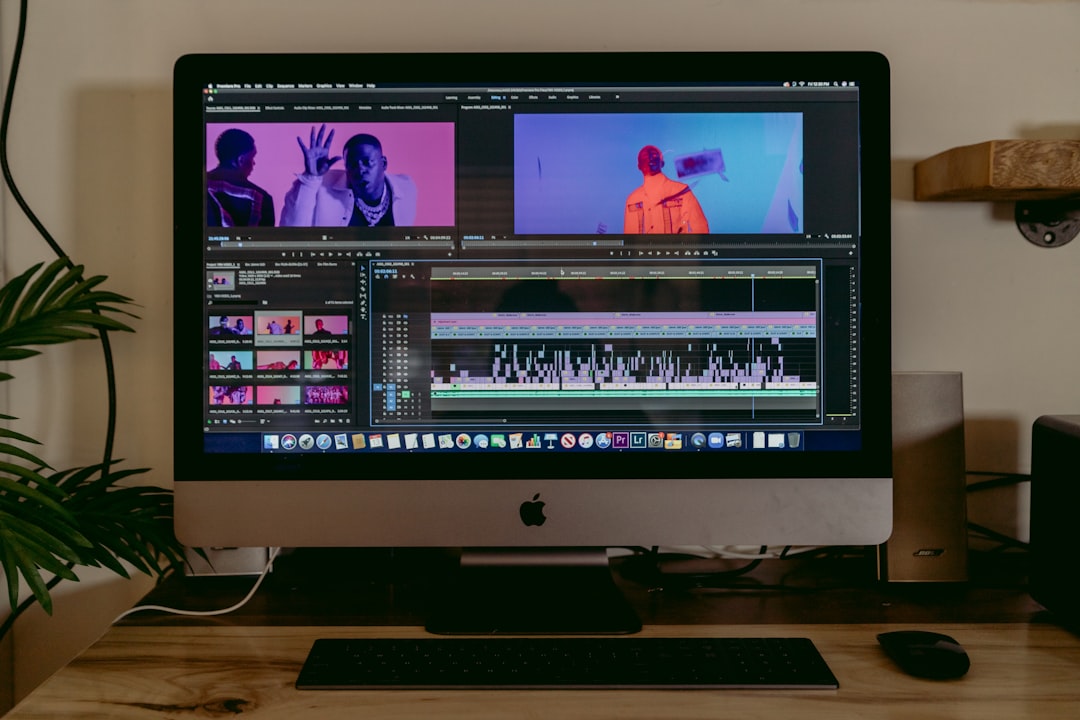
Creating awesome movies or image to video AI projects on a shoestring budget is no easy task. That’s especially true when you’re editing both audio and video, throwing in some VFX, and trying to hit that cinematic sweet spot. Thankfully, there are some amazing editing tools out there that won’t empty your bank account.
TL;DR: If you’re an indie filmmaker looking to mix audio, edit video, and sprinkle in some basic VFX, you’re in luck. These budget editors pack a punch — many are free or cost way less than mainstream software. From DaVinci Resolve to HitFilm Express, you’ve got powerful options. Don’t let your budget hold back your vision!
Contents of Post
1. DaVinci Resolve (Free + Paid)
This one’s a big deal. DaVinci Resolve is used by professionals and hobbyists alike. The free version is super powerful and covers pretty much everything—from cutting to color grading, audio mixing to special effects.
- Pros: Hollywood-level color grading, full Fairlight audio panel, Fusion VFX built-in
- Cons: Steep learning curve for beginners
- Best for: Serious indie filmmakers who want pro-level control
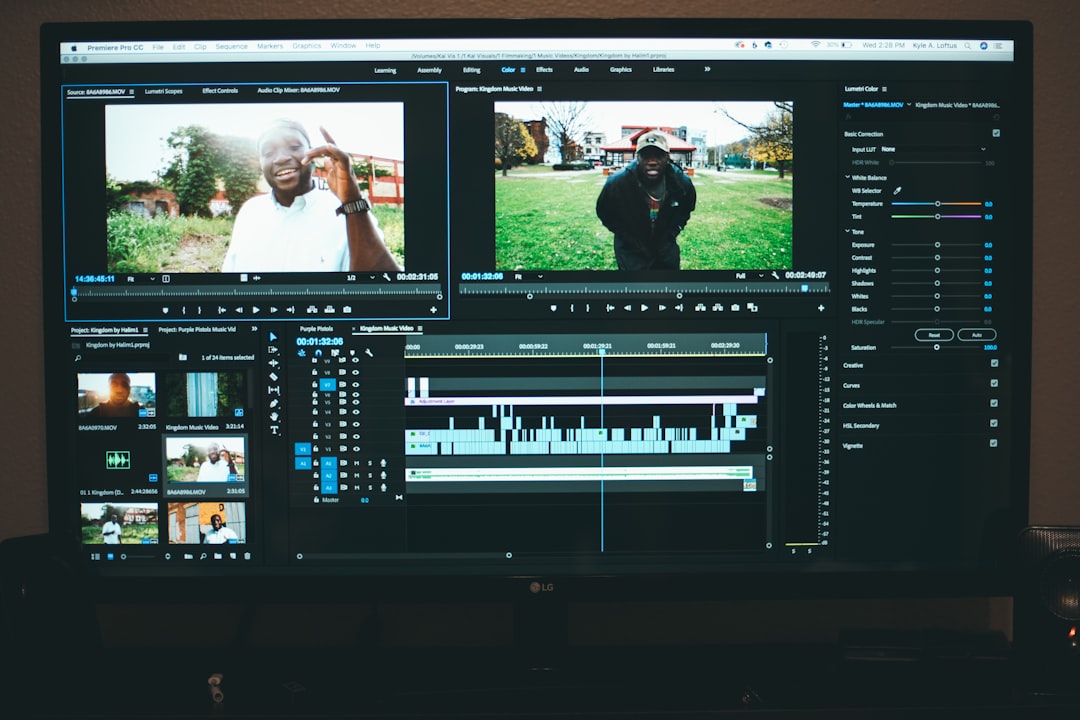
And here’s the kicker—if you ever want to upgrade, the Studio version is a one-time payment, not a subscription!
2. HitFilm Express (Free + Add-ons)
HitFilm Express is perfect for creators who love to play with VFX. It’s a hybrid between an editor and a VFX tool, and it’s built with indie creators in mind.
- Pros: Built-in visual effects, great for YouTube and short films
- Cons: Some good features hidden behind paid add-ons
- Best for: VFX-loving filmmakers on a budget
It comes with cool compositing options—muzzle flashes, explosions, and sci-fi overlays just a few clicks away.
3. Shotcut (Totally Free)
No price tag here at all. Shotcut is open source and packed with features. It’s great for basic projects and small teams.
- Pros: No cost, wide format support, customizable interface
- Cons: No built-in VFX engine, less flashy UI
- Best for: Beginners or those who want full control with no gimmicks
Sure, it’s not the prettiest editor, but it gets the job done. And being open source, it improves often with community help.
4. Lightworks (Free + Pro Tier)
This one has been around for a while. Lightworks is known for speed and professional finishing tools. The free version is great, though the export options are limited.
- Pros: Real-time audio and video editing, used on big-name films
- Cons: 720p max export in free version
- Best for: Fast-paced editors who want to work like the pros
If you’re all about precision cuts and speedy timelines, Lightworks could be your best friend.
5. Kdenlive (Free + Open Source)
Kdenlive is a powerful editor originally for Linux but now also runs on Windows and macOS. It’s free and getting better all the time.
- Pros: Multi-track editing, lots of transitions and effects, customizable
- Cons: Occasional stability issues
- Best for: Indie filmmakers who prefer open source tools
While it doesn’t have built-in VFX power like HitFilm, you can still get creative with masks, chroma keying, and transitions.
6. VSDC Free Video Editor
This one’s Windows-only, but highly underrated. VSDC includes visual effects, motion tracking (in the pro tier), and great audio tools.
- Pros: Non-linear editing, transitions, and audio filters built-in
- Cons: Interface can feel old-school
- Best for: PC users who want basic VFX and mixing without a steep price
It even supports 4K video in the free version, which is a nice surprise at this price point—aka, zero dollars.
7. Blender (Free — and Not Just for 3D!)
You might know Blender as a 3D animation tool, but did you know it also has a surprisingly solid video editor built-in?
- Pros: Compositing, keyframes, audio mixing, and even masking
- Cons: Not super intuitive for non-3D users
- Best for: Filmmakers who want to blend video and 3D effects
If part of your story involves digital characters or environments, Blender can help bring it all to life—all on a budget of nothing.
Final Thoughts
Who says you need millions to make a movie? With tools like these, all you need is passion, a story to tell, and maybe a little extra coffee.
Here’s a quick recap if you’re skimming:
- DaVinci Resolve — Best all-in-one with pro features even in the free version
- HitFilm Express — Best for built-in flashy VFX on a budget
- Shotcut — Best for simple cuts and rough mixes, totally free
- Lightworks — Best for fast-paced editing with a pro feel
- Kdenlive — Best for open source fans with multi-track needs
- VSDC — Best for Windows users who want a VFX starter tool
- Blender — Best for merging 3D and video in one platform
So go ahead—download, explore, and start editing your masterpiece. Your budget can stay low, but your creativity doesn’t have to.