
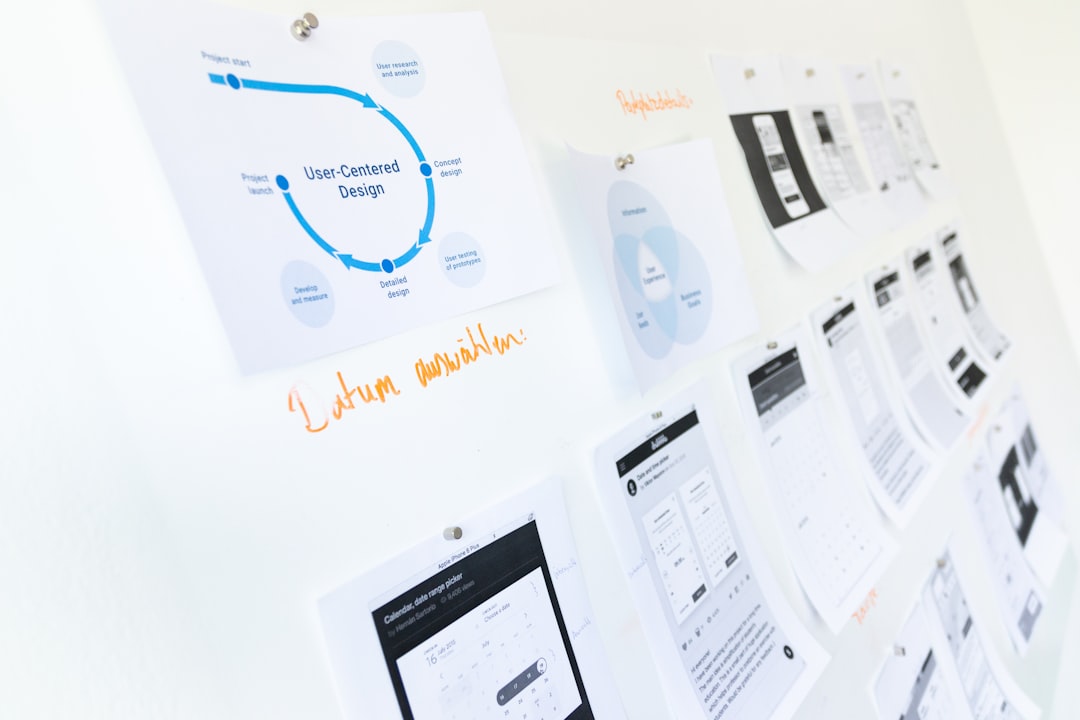
In today’s fast-paced digital world, UI/UX designers are constantly looking for ways to streamline their workflows. With tight deadlines and evolving user expectations, the ability to prototype and wireframe quickly yet effectively is more crucial than ever. This is where artificial intelligence (AI) comes into play. AI-powered design-assist tools have emerged as game-changers, offering everything from layout suggestions to auto-generated mockups and intelligently curated color palettes.
TLDR: AI is transforming how UI/UX designers work by speeding up wireframing and prototyping. Tools like Uizard, Figma AI, and Colormind help automate layout, design elements, and color selection. These platforms reduce the gap between rough ideas and polished prototypes. Whether you’re a solo designer or in a product team, AI tools now make designing faster, smarter, and more collaborative.
Contents of Post
1. Uizard – From Sketch to Digital Mockup in Minutes
Uizard stands out as a leader in AI-powered design tools, especially for rapid prototyping. Its most buzzworthy feature is the ability to turn hand-drawn sketches into wireframes and digital mockups. Using computer vision and extensive machine learning, Uizard can interpret a paper layout photo or whiteboard sketch and convert it into editable UI components.
Designers love Uizard for the following reasons:
- Automated wireframes: Quick drag-and-drop interface suitable for beginners and pros alike.
- AI-generated themes: Automatically suggests design themes and color palettes based on your input.
- Voice-to-design: Describe a feature vocally and watch Uizard lay out the elements instantly.
Perfect for MVPs, hackathons, and stakeholder demos, Uizard empowers teams to go from ideation to clickable mockup in record time.

2. Figma AI – Smart Layouts and Plugin Ecosystem
Figma was already a heavyweight in the world of collaborative UI/UX design. With the introduction of AI-enhanced features and plugins, it has become even more powerful for designers racing against deadlines. Its AI additions help entire product teams move faster without compromising on creativity.
Key AI features and plugins include:
- Smart Layout Suggestions: Real-time recommendations for optimal component arrangement and spacing.
- AI Text Generator: Auto-generates realistic content, from error messages to headlines and social copy.
- Summon Plugin: An AI design assistant for speeding up repetitive tasks like naming layers, creating variants, and token generation.
With Figma’s robust plugin ecosystem and deeply integrated collaboration features, designers can create logic-driven prototypes that reflect how users actually interact with interfaces.
3. Galileo AI – Natural Language to UI
Galileo AI is making waves by turning text prompts into fully designed UI segments. Think ChatGPT for design—but with tailored visual output. Its core strength lies in transforming your ideas, described in plain English, into editable designs ready for Figma export.
Why designers are excited about Galileo:
- Text-to-Prototype: Enter “a login screen for a mobile banking app” and Galileo drafts the layout, icons, and interactions.
- Design Language Matching: Considers brand guidelines and design systems when generating mockups.
- Seamless export options: Easily import AI-generated screens right into your Figma workflow.
This tool is ideal for early-stage ideation and refining flows before committing to high-fidelity assets. It’s especially useful for product managers and non-design stakeholders to contribute meaningfully to the design process.
4. Khroma – Personalized AI Color Tool
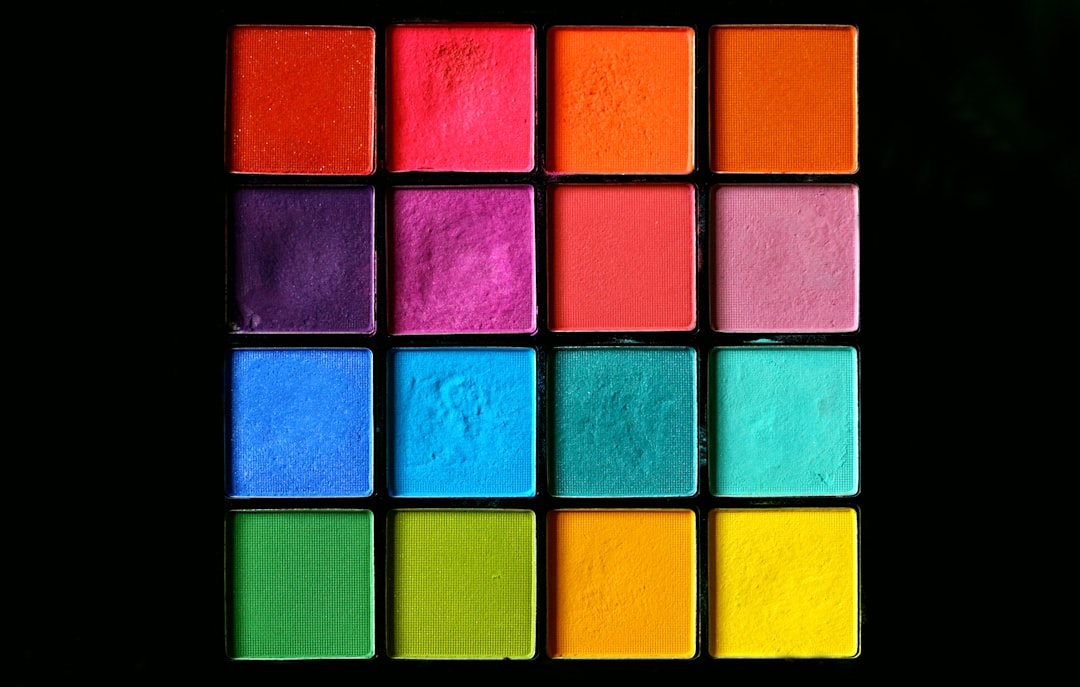
Choosing the right color palette can make or break a UI. Khroma uses AI to learn your color preferences and generate custom color combinations tailored to your aesthetic and functional needs. It’s not just a random palette generator—it gets smarter the more you use it.
Key features include:
- AI-Curated Palettes: Learns from the colors you like and builds an evolving database of suggestions.
- Color Accessibility: Auto-checks for contrast ratios and color blindness compatibility.
- Design Mode: Test your palettes in real UI contexts like posters, landing pages, and typography samples.
For designers who struggle with palette indecision or want an edge on branding projects, Khroma offers both flair and function in one package.
5. Locofy – Code-Ready Prototypes Using AI
Bridging the gap between design and front-end development, Locofy allows designers to convert their Figma or Adobe XD files into production-ready code with minimal effort. Utilizing AI, Locofy analyzes the design layers, applies best practices, and outputs clean HTML, CSS, and React code.
Top offerings from Locofy:
- One-click design to code: Export full components with responsiveness and interactions included.
- Smart Code Handoff: Locofy ensures semantic HTML and separation of concerns, making it dev-friendly.
- Real-time Previewing: View how components behave in the browser and make adjustments before dev handoff.
This tool is a lifesaver for agile teams and startups where development often overlaps with design. Locofy avoids the “final-mile” problem of translating static designs into interactive, dev-ready assets.
6. Colormind – AI Color Inspiration Generator
Colormind is a lesser-known but incredibly effective color assistant powered by deep learning. It’s capable of learning color styles from photos, movies, or even design systems and using that knowledge to suggest palettes. Rather than starting from scratch, Colormind helps designers find hues that match their project’s mood or audience preference.
Features at a glance:
- Style Transfer: Generates color palettes inspired by input images or themes.
- UI Ready: Provides primary, secondary, background, and accent colors curated with user interaction in mind.
- Web Font Support: Tests palettes with different font pairings for holistic branding feedback.
Colormind is particularly useful for brand refreshes, moodboards, and apps where visual hierarchy plays a significant role. Its fast UI and no-login interface also make it a great starting point for any design task.
How AI Tools Are Changing the UI/UX Design Landscape
The shift towards AI-assisted design doesn’t mean creativity is taking a back seat—in fact, it’s quite the opposite. These tools handle the repetitive or structural elements so designers can focus more on user psychology, storytelling, and interaction design. AI helps automate the “first draft” or the low-fidelity phases, giving creatives a strong foundation to build upon.
Additionally, many of these tools are intuitive enough that non-designers—like marketers, founders, or developers—can participate earlier in the design process, reducing back-and-forth and improving team agility.
Final Thoughts
From sketch recognition to real-time layout suggestions and effortless palette generation, AI-powered design-assist tools are accelerating the prototyping process like never before. Whether you’re a solo freelancer or part of a large design team, integrating one or more of these AI tools can reduce overhead, improve output quality, and create space for more meaningful design work.
There’s no longer a need to start every wireframe or color scheme from zero. With tools like Uizard, Figma AI, Galileo AI, Khroma, Locofy, and Colormind at your fingertips, the future of UI/UX design feels faster, smarter, and more exciting than ever.