
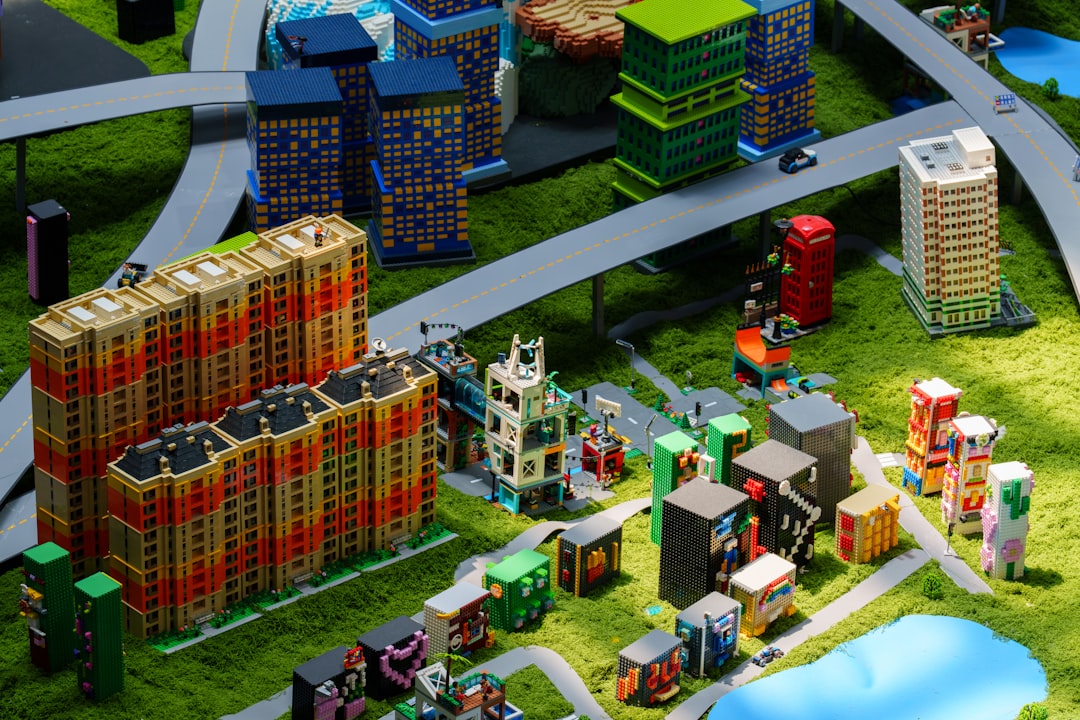
Ever wondered if you and your friends can shrink down and explore the backyard together in Grounded—on the same screen? You’re not the only one! Couch gaming is making a big comeback, and split-screen play is high on every gamer’s wish list. So, does Grounded have split-screen or local co-op? Let’s dive in!
Contents of Post
TL;DR (Too Long; Didn’t Read)
Grounded does not support split-screen or local co-op play. You can only play with friends online. If you want to explore the wild micro-world of your backyard together, you’ll each need your own device and a copy of the game. Cross-platform multiplayer is a thing though, which is pretty cool!
What Is Grounded?
In case you’re new here, Grounded is a survival game by Obsidian Entertainment. You play as a kid who’s been shrunk down to the size of an ant. Think Honey, I Shrunk the Kids—but add crafting, building, and some seriously creepy bugs.
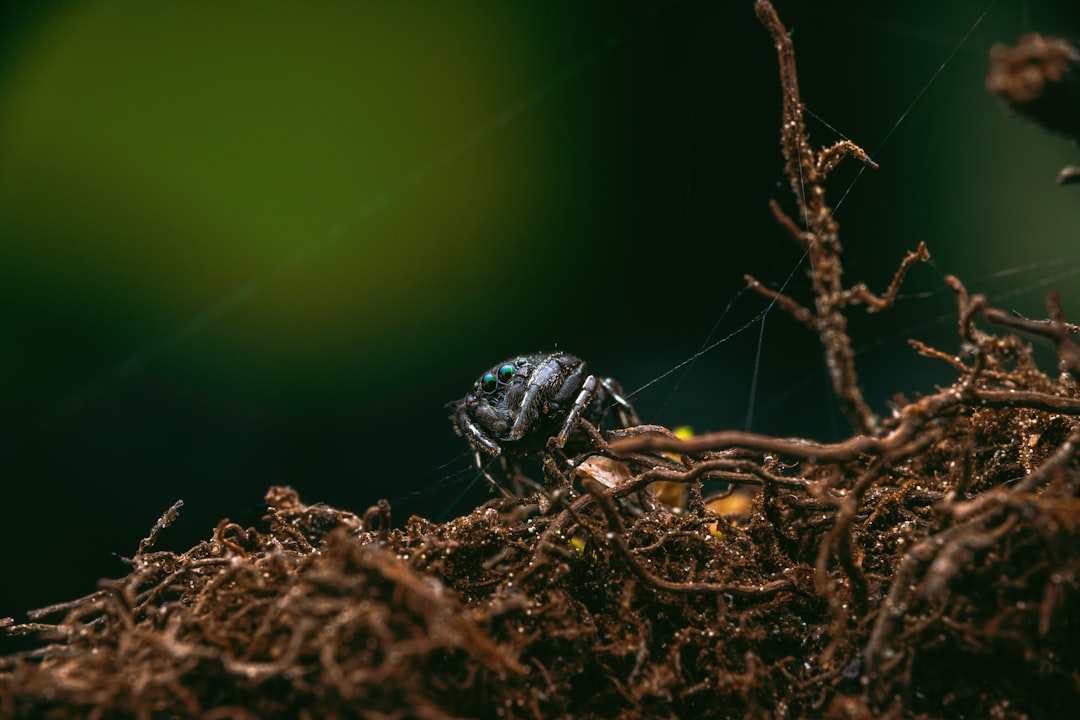
It’s set in a backyard, but don’t confuse that with being safe. Giant (tiny?) spiders, ants, and bees are everywhere, and they want you gone. It’s fun, creative, and more exciting when shared with friends.
Is There Split-Screen?
Here’s the simple answer: No. Grounded does not offer split-screen support at this time. So, if you were hoping to play side-by-side on the same screen with a buddy, you’re out of luck.
This might feel like a letdown, especially if you enjoy couch co-op sessions. But there’s a good reason for this: split-screen gameplay can be super demanding on hardware. Rendering a detailed world twice—once for each player’s view—takes a toll on performance.
Does It Have Local Co-Op or LAN?
Okay, so maybe not split-screen, but what about local co-op over a network?
Yes and no. Technically, there’s no local co-op mode that works without the internet. But if you and your friend are connected to the same Wi-Fi and each have:
- Your own console or PC
- A copy of the game
- An Xbox Live or Microsoft account (for syncing)
… then you can connect and play together as if it were LAN. It’s not quite “classic” local co-op, but it’s close enough for many players!
What About Online Multiplayer?
This is where Grounded really shines. The game supports online multiplayer for up to 4 players.
You can play co-op online on:
- Xbox Series X and S
- Xbox One
- Windows PC
- Steam
Even better? It supports cross-play! That means someone on Xbox can team up with their friend on PC without a hitch.

How to Play Online Co-Op
It’s super simple to set up an online co-op game in Grounded. Here’s how:
- Launch the game.
- Select Multiplayer from the main menu.
- Choose Host Online Game to create your world.
- Your friends can then select Join Online Game and find you from their friends list.
Make sure everyone has a decent internet connection—the game does a lot of syncing, especially with base building and item crafting.
Why No Split-Screen?
So, why doesn’t Grounded have split-screen? The answer might be tied to the game’s design philosophy.
Grounded is a highly detailed survival game made in Unreal Engine. It needs a lot of processing power for things like:
- Lighting and shadows
- AI behavior (like those nasty spiders!)
- Base building and object placement
Adding split-screen would mean the system has to run two instances of the game at once. For older consoles or mid-range PCs, that’s a big ask.
The developers at Obsidian have never ruled it out, though. So, who knows? Maybe someday, we’ll get a local split-screen option in a future update.
Can You Use Remote Play or Streaming?
Here’s a cool workaround! If you have good internet, you can use cloud gaming or Remote Play features to play Grounded together, kind of like split-screen.
Some options to try:
- Xbox Cloud Gaming – Stream the game and pair two controllers (one person watching, though)
- Steam Remote Play Together – May work if you set it up like a one-screen experience (kind of messy, but doable)
It’s not perfect, but for tech-savvy players, you might get a couch co-op feel using these tools.
Split-Screen in Survival Games: The Bigger Picture
Split-screen used to be a big deal in survival games. Think of classics like Minecraft and Ark. But modern games are becoming more demanding.
Instead of pushing for split-screen, most developers are aiming at online multiplayer and cross-platform play. Why? It’s more accessible, especially with cloud saves and cross-progression.
Still, the demand for couch co-op is real! So always keep an eye out for updates. Developers love hearing player feedback.
What Gamers Are Saying
Many players mention the lack of split-screen as one of the few downsides of Grounded. On forums and in reviews, families and roommates often wish there was a couch-ready mode.
But the online multiplayer experience gets high praise. Being able to build and survive together in such a cool little world is something special.
If you’re gaming with kids or friends at home, using two TVs or even cloud gaming might help recreate the togetherness of the good ol’ days.
Final Thoughts
Grounded may not have split-screen or true local co-op, but it still delivers a strong multiplayer experience. The online co-op, great world design, and cross-play make it a blast to play with friends.
Would it be better with local split-screen? Maybe—but for now, gather your crew online, and get ready to swat some massive bugs!
Image not found in postmetaFAQs
Q: Can I play Grounded with my friend on the same console?
A: No. Grounded does not support offline split-screen play or same-console co-op.
Q: Is there a plan to add split-screen to Grounded?
A: Obsidian hasn’t confirmed anything yet. But fans have asked for it, so maybe in a future update!
Q: Is online play free?
A: You’ll need Xbox Live Gold or an internet connection and Microsoft account if playing on Xbox or Windows. Steam users just need a working connection.
Q: Can I play solo?
A: Yep! Grounded has a single-player mode. But beware: the bugs don’t go easier on loners!