

Hosting a live stream on Lichess is one of the most effective ways to share your chess expertise, build a loyal audience, and engage with players around the world in real time. Whether you are a titled player offering deep analysis, a club player sharing improvement tips, or a tournament organizer broadcasting commentary, a well-structured Lichess stream can significantly increase your reach and credibility. Doing it correctly requires more than simply pressing the “Go Live” button — it demands preparation, technical setup, moderation, and professionalism.
TLDR: To host a live stream on Lichess, you need a verified Lichess account, broadcasting software such as OBS, and a streaming platform like YouTube or Twitch. Set up your board, audio, and overlays professionally, then link and promote your stream effectively. Focus on clear commentary, stable technical quality, and active chat moderation. Consistency and preparation are what turn a casual stream into a respected chess broadcast.
Contents of Post
Understanding How Lichess Streaming Works
Lichess does not host live video streams directly. Instead, it integrates and promotes streamers who broadcast through external platforms such as Twitch or YouTube. Once approved as a Lichess streamer, your live broadcast can appear in the Lichess streamer sidebar, significantly increasing visibility.
There are two primary ways to host a stream related to Lichess:
- Streaming your own games and analysis while playing on Lichess.
- Broadcasting official tournaments using Lichess’s Broadcast feature.
Both formats require technical preparation and adherence to Lichess community guidelines.
Step 1: Meet the Lichess Streamer Requirements
Before you can be featured as a Lichess streamer, you must:
- Have a strong and active Lichess account with fair play compliance.
- Follow Lichess community guidelines strictly.
- Stream chess-related content consistently.
- Maintain a professional and respectful tone.
You can apply via the Lichess Streamer page. Approval is not automatic; the platform prioritizes responsible creators who positively represent the chess community.
Image not found in postmetaStep 2: Choose Your Streaming Platform
Lichess integrates most commonly with:
- Twitch
- YouTube Live
- Kick (in some cases)
Your choice should depend on audience size goals, monetization strategy, and ease of use.
Platform Comparison Chart
| Feature | Twitch | YouTube Live |
|---|---|---|
| Audience for Chess | Very large and interactive | Large, strong search discoverability |
| Monetization Options | Subscriptions, Bits, Ads | Ads, Super Chats, Memberships |
| Ease of Setup | Simple with OBS | Very simple via encoder or browser |
| Replay Visibility | Limited time unless saved | Permanent archive by default |
| Chat Culture | Fast-paced and interactive | More structured and moderate |
For serious long-term content building, many streamers choose YouTube because of archival benefits and search exposure. For high chat interaction and faster growth within the chess streaming scene, Twitch remains dominant.
Step 3: Set Up Your Streaming Software
You will need broadcasting software to capture your screen and transmit it to your chosen platform. The most widely used option is OBS Studio (Open Broadcaster Software).
Other options include:
- Streamlabs
- XSplit
- Prism Live Studio
OBS is recommended because it is free, powerful, and stable.
Basic OBS Setup Steps
- Install OBS Studio.
- Add a Display Capture or Window Capture source.
- Position your Lichess board window correctly.
- Add a Microphone input source.
- Add a Webcam feed if desired.
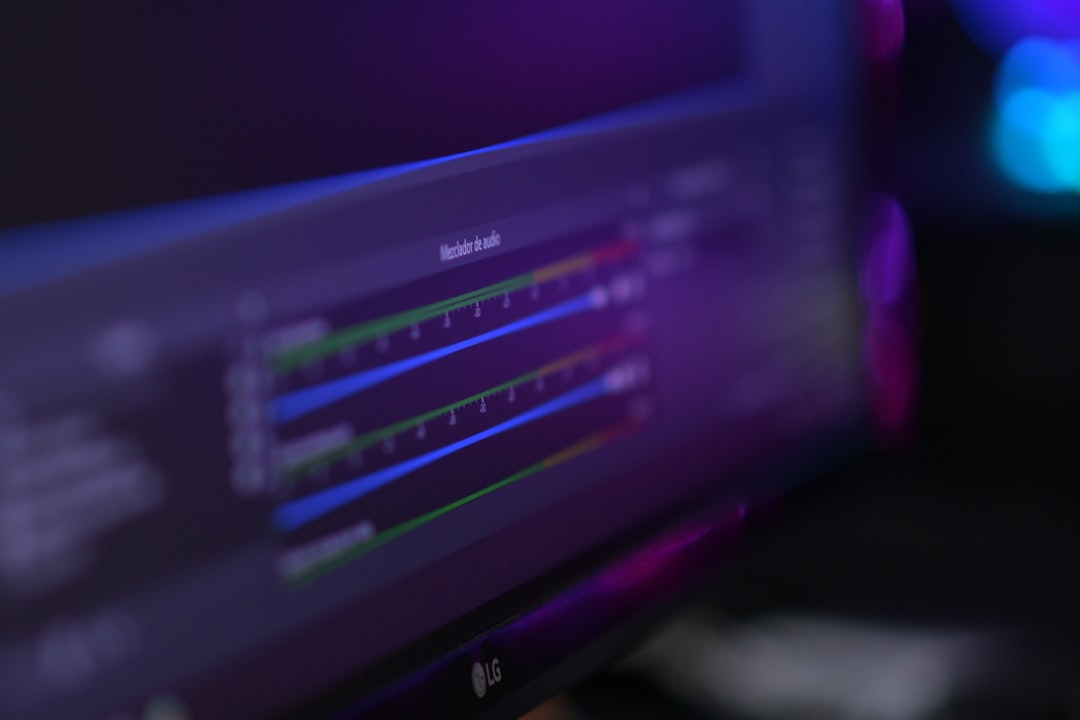
- Adjust audio levels to prevent distortion.
- Enter your stream key from Twitch or YouTube.
- Test before going live.
Clear audio is more important than high-end visuals. A poor microphone will damage your credibility faster than average video resolution.
Step 4: Optimize Your On-Screen Layout
Your stream layout should look professional and intentional. Avoid clutter and unnecessary overlays. Recommended elements include:
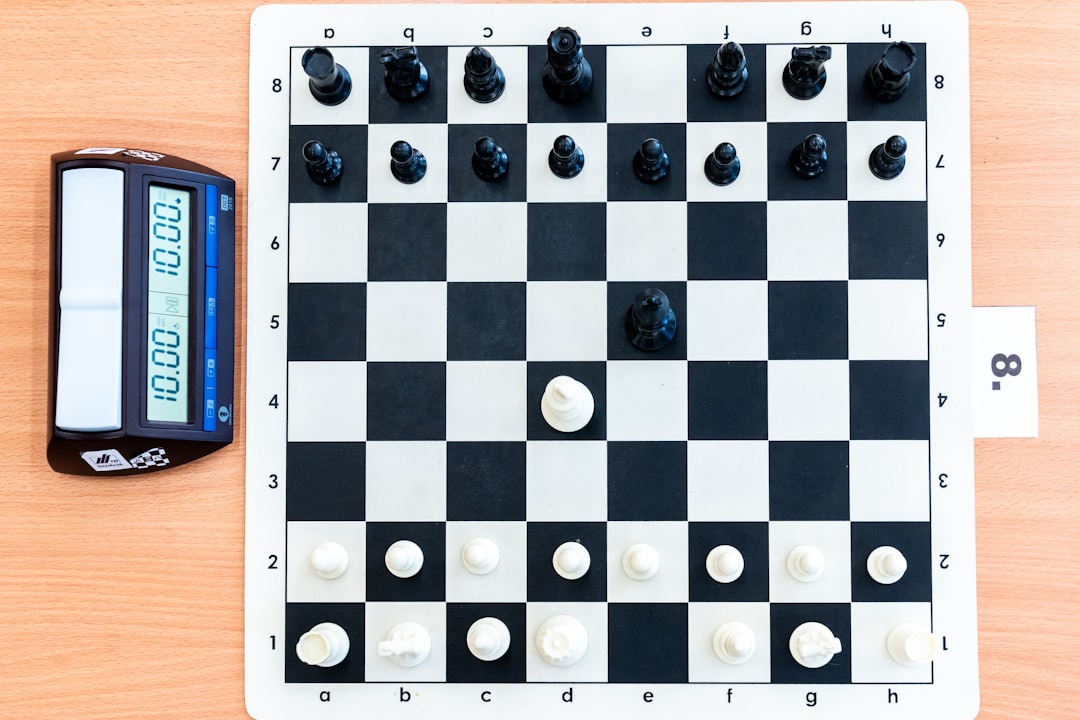
- Main chessboard (center focus)
- Face camera (optional but recommended)
- Recent moves display
- Player ratings or names
- Subtle branding (name/logo)
Keep the board large and readable. Viewers should not struggle to see moves.
Step 5: Configure Lichess for Streaming
To optimize Lichess specifically for streaming:
- Enable Zen Mode to reduce distractions.
- Use a clean board theme with high contrast.
- Disable unnecessary notifications.
- Consider hiding ratings during focus sessions.
- If broadcasting a tournament, use the Lichess Broadcast feature.
If you are streaming live tournaments, you can import PGN files into the Broadcast section. This enables spectators to follow moves in sync.
Step 6: Ensure Fair Play Compliance
Lichess enforces strict anti-cheating policies. When streaming:
- Do not display engine evaluations during live rated games.
- Do not use assistance tools in active games.
- Add delay if playing in titled arenas.
- Follow all fair play regulations.
Violations will result in account restrictions and possible removal from the streamer list. Professional reputation is paramount.
Step 7: Deliver Professional Commentary
A serious stream requires structured commentary. Avoid random silence or chaotic narration.
Effective Commentary Structure
- Explain candidate moves clearly.
- Verbalize strategic goals.
- Summarize positions periodically.
- Engage chat without losing calculation accuracy.
If analyzing games:
- Present the position.
- Discuss imbalances.
- Evaluate plans.
- Calculate concrete lines.
- Deliver a conclusion.
This systematic approach builds credibility and viewer loyalty.
Step 8: Moderate and Manage Chat
Chat interaction improves retention but must be controlled.
- Assign moderators once your channel grows.
- Establish clear behavior guidelines.
- Discourage engine suggestions during live games.
- Remove toxic participants immediately.
A disciplined chat environment enhances educational value.
Step 9: Promote Your Stream Effectively
Even high-quality streams fail without promotion. Use:
- Twitter or X for announcements.
- Chess forums and communities.
- YouTube highlight clips.
- Lichess profile bio links.
If approved, your stream will automatically appear in the Lichess streamer panel during live sessions.
Step 10: Maintain Consistency and Branding
Consistency builds authority. Establish:
- A regular streaming schedule.
- A recognizable opening screen.
- A consistent analysis style.
- A professional tone at all times.
Long-term growth depends more on reliability than bursts of activity.
Common Mistakes to Avoid
- Poor microphone quality.
- Unreadable board layout.
- Streaming without preparation.
- Arguing with chat excessively.
- Inconsistent scheduling.
Each of these undermines perceived competence.
Final Thoughts
Hosting a live stream on Lichess is not technically difficult, but doing it well requires discipline, preparation, and respect for the chess community. From selecting reliable broadcasting software to structuring coherent analysis, every detail contributes to your authority as a streamer. Lichess offers powerful visibility tools, but only for those who represent the platform responsibly.
A professional Lichess stream combines clear audio, sound ethical standards, structured commentary, and steady engagement. Approach it with seriousness, and it can become not only a creative outlet but also a meaningful contribution to the global chess community.