
Peer-to-peer file synchronization has become a quiet backbone of modern digital life, allowing users to keep folders in sync across laptops, desktops, servers, and even mobile devices without relying on centralized cloud storage. Among the most respected tools in this space is Syncthing, an open-source, decentralized file sync application that prioritizes privacy and user control. But as mobile data limits and battery-saving features become more important, one practical question arises: Does Syncthing respect Low Data Mode?
TLDR: Syncthing does not automatically integrate with operating system “Low Data Mode” settings on all platforms, but it offers configurable options that let users limit bandwidth and control network usage. On mobile—especially Android—users can restrict background data and configure sync conditions. On desktop systems, bandwidth throttling and scheduling features provide similar control. Ultimately, Syncthing respects low-data preferences when properly configured, but it requires manual setup rather than automatic enforcement.
Contents of Post
Understanding Syncthing’s Network Behavior
To understand whether Syncthing respects Low Data Mode, it helps to first understand how the software operates. Syncthing is designed as a continuous synchronization tool. That means:
- It constantly monitors folders for changes.
- It discovers peers automatically (locally or globally).
- It transfers file updates directly between devices.
- It reattempts connections if interrupted.
This real-time architecture is ideal for keeping devices synchronized, but it also means the application is naturally proactive with network usage.
Unlike traditional cloud storage services that may optimize heavily for mobile data awareness, Syncthing’s priority is reliability and decentralization. Respecting system-imposed low-data restrictions depends largely on how the operating system handles background networking — and how the user configures Syncthing itself.
What Is Low Data Mode?
“Low Data Mode” is a feature built into many modern operating systems, particularly iOS, Android, Windows, and macOS. While implementations vary, the feature generally:
- Reduces background network activity
- Pauses automatic updates
- Limits sync operations
- Decreases quality for streaming services
- Prevents apps from consuming mobile data unnecessarily
Some systems enforce these restrictions strictly. Others simply notify apps of the data-saving preference and let them respond accordingly.
Does Syncthing Automatically Detect Low Data Mode?
The short answer is: not universally.
Syncthing is designed to be platform-agnostic and independent. It does not explicitly detect and respond to a “Low Data Mode” flag in the way some mobile-native apps do. Instead:
- On Android, network restrictions are enforced largely by the OS.
- On iOS, Syncthing is typically not natively supported in the same way due to platform limitations.
- On desktop systems, Low Data Mode settings may reduce background activity but do not specifically alter Syncthing’s configuration.
In other words, Syncthing will attempt to sync unless:
- The operating system blocks background data, or
- The user configures bandwidth limitations manually.
Syncthing on Android and Mobile Networks
Android is the most common mobile platform for Syncthing users. Fortunately, Android provides strong tools for managing data use.
When Low Data Mode (often called “Data Saver”) is enabled:
- Background data can be restricted per app.
- Wi‑Fi vs mobile data permissions can be separated.
- Battery optimization may pause background syncing.
However, Syncthing itself does not automatically switch into a “low bandwidth” profile when Data Saver is active. Instead, Android may:
- Prevent background transfers
- Delay sync until the app is opened
- Throttle data in the background
This behavior varies between device manufacturers due to custom Android overlays.
Best Practice on Android
To ensure Syncthing respects low data scenarios, users can:
- Disable mobile data usage for Syncthing entirely
- Allow sync only on trusted Wi‑Fi networks
- Adjust bandwidth limits in settings
- Pause folders manually when traveling
Combined, these measures give users precise control — even if Syncthing does not automatically comply with the Data Saver flag.
Bandwidth Limiting Features Inside Syncthing
One of Syncthing’s strongest features is its built-in bandwidth management. Unlike some cloud tools, it gives granular manual control.
Users can configure:
- Global bandwidth limits (upload and download in KiB/s)
- Per-device rate limits
- Local discovery toggles
- NAT traversal settings
- Relay server usage
This means that while Syncthing does not auto-detect Low Data Mode, it can be configured to behave conservatively at all times.
How Bandwidth Throttling Helps
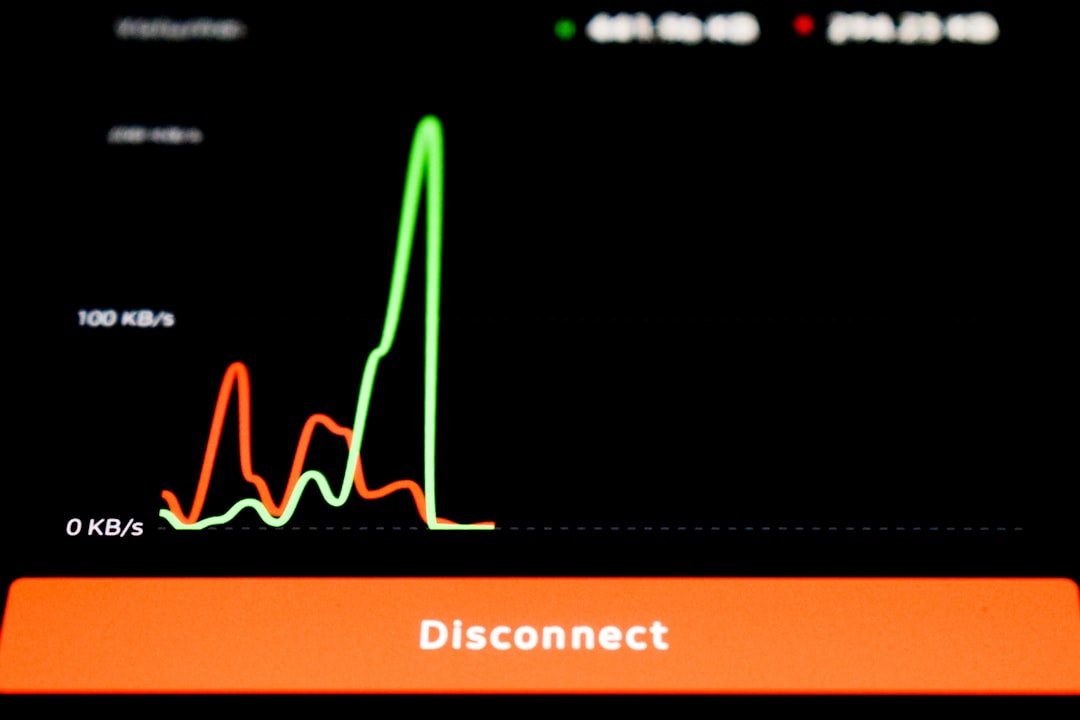
Bandwidth throttling ensures:
- Large file transfers won’t overwhelm mobile data caps
- Uploads remain minimal when on limited networks
- Background sync stays subtle and controlled
Users who frequently move between Wi‑Fi and cellular networks often set modest global limits and increase them only when on unlimited networks.
Desktop Systems and Low Data Mode
On Windows and macOS, Low Data Mode or Metered Connection settings exist primarily for system-level control. These systems can:
- Mark a network as metered
- Limit OS updates
- Delay background services
However, Syncthing operates independently. Unless the OS blocks it directly, Syncthing will continue syncing.
That said, users can combine metered connection settings with:
- Pausing devices manually
- Limiting relays
- Turning off global discovery
- Configuring rate caps
This hybrid approach provides effective data management, even if it is not automatic.
Comparison: Syncthing vs Typical Cloud Sync Apps
| Feature | Syncthing | Typical Cloud App |
|---|---|---|
| Automatic Low Data Detection | No native detection | Often yes |
| Manual Bandwidth Control | Very granular | Limited or preset options |
| Background Sync Behavior | Continuous by design | Optimized for mobile |
| User Control | High | Moderate |
| Privacy | Fully peer to peer | Cloud dependent |
This chart highlights an important distinction: Syncthing favors user control and decentralization over automated convenience.
Does Syncthing Drain Data Quickly?
The answer depends almost entirely on what you sync.
Factors that increase data usage include:
- Large media files (videos, RAW images)
- Frequent file edits
- Multiple connected devices
- Remote relay usage
- Unrestricted mobile syncing
However, Syncthing transfers only changed parts of files when possible, using block-level synchronization. This reduces data consumption significantly compared to re-uploading entire files.
For example:
- Editing a 500MB video slightly does not necessarily resend 500MB.
- Small document edits trigger minimal transfers.
This efficiency makes it more data-friendly than many assume.
Smart Configuration for Low Data Environments
If your goal is to ensure Syncthing respects Low Data Mode in practical terms, consider these strategies:
1. Use Folder Type Strategically
Send-only or receive-only folders can dramatically limit outbound data.
2. Limit Introducer Devices
Reducing automatic device introductions prevents surprise sync sessions.
3. Disable Global Discovery on Mobile
This prevents frequent internet-based peer searches.
4. Sync Only on Wi‑Fi
Android allows restricting the app to Wi‑Fi connections only.
5. Set Conservative Rate Limits
Even modest caps like 50–100 KiB/s can significantly reduce spikes.
The Philosophy Behind the Design
It’s important to recognize that Syncthing’s behavior is intentional. The software emphasizes:
- Autonomy over automation
- User configuration over assumptions
- Decentralization over platform dependency
Rather than embedding OS-specific Low Data Mode hooks into every version, the developers provide configurable tools that let users shape their own experience.
This design philosophy appeals especially to power users, system administrators, and privacy-conscious individuals.
So, Does Syncthing Respect Low Data Mode?
The nuanced answer is:
- Yes, if the operating system enforces restrictions.
- Yes, if you configure bandwidth and network permissions properly.
- No, it does not automatically detect and adjust to Low Data Mode.
For casual mobile users expecting automatic throttling, Syncthing may feel less adaptive than commercial cloud services. But for users willing to configure settings, it offers deeper and more reliable control than most alternatives.
Final Thoughts
Syncthing does not inherently “ignore” Low Data Mode — it simply does not rely on it. Its strength lies in giving users precise control over how, when, and how much data is transferred. This means responsibility shifts from automated system heuristics to manual configuration.
If you depend heavily on mobile data caps, thoughtful setup is essential. But once configured, Syncthing can operate gracefully even in constrained network environments.
In the end, Syncthing respects your data limits as much as you tell it to — no more, no less.