
The world of Call of Duty has always been a magnet for gamers who love action-packed first-person shooters, and the upcoming release of Black Ops 6 is no exception. As fans gear up for the new title, many are wondering whether they’ll be able to team up with friends locally to survive onslaughts, engage in multiplayer skirmishes, or practice tactics in split-screen mode. While many modern games are pivoting toward online-only experiences, there remains a strong and passionate community that values good old-fashioned couch co-op action. So, the big question is — can you play split screen on Black Ops 6?
Contents of Post
TL;DR:
Yes, Black Ops 6 does support split-screen multiplayer, but with some caveats. The feature is available on select game modes and primarily on supported consoles like PlayStation and Xbox. However, players might encounter limitations such as reduced graphics quality and a two-player cap. Still, it’s a functional and fun way to enjoy the game with someone right beside you.
What is Split Screen and Why Does It Matter?
Split-screen gaming allows two or more players to play on the same console and display. The screen is divided so each player has their own portion of the screen to control their character, track stats, and interact with the game world. This feature holds a nostalgic place in many gamers’ hearts and promotes social interaction in an era dominated by online play.
In games like Call of Duty, the ability to play split-screen allows friends and family to engage in:
- Local multiplayer matches
- Co-op zombie missions
- Weapon trials and practice modes
Black Ops 6 continues this trend by offering support for split-screen, albeit with some trade-offs. Here’s what you need to know.
Is Split Screen Available in Black Ops 6?
As confirmed by early previews and developer insights, Split Screen is indeed available in Black Ops 6, though it’s not universal across all modes. It is primarily supported in:
- Multiplayer (local and online) – Engage in team deathmatch, domination, and other modes side-by-side.
- Zombies Mode – Tackle endless waves of the undead together with a friend in classic CoD fashion.
Unfortunately, you won’t find split-screen accessibility in campaign mode or in specialized solo missions. These areas remain single-player experiences only, focused on immersive storytelling and cinematic presentation.
Platforms and Constraints
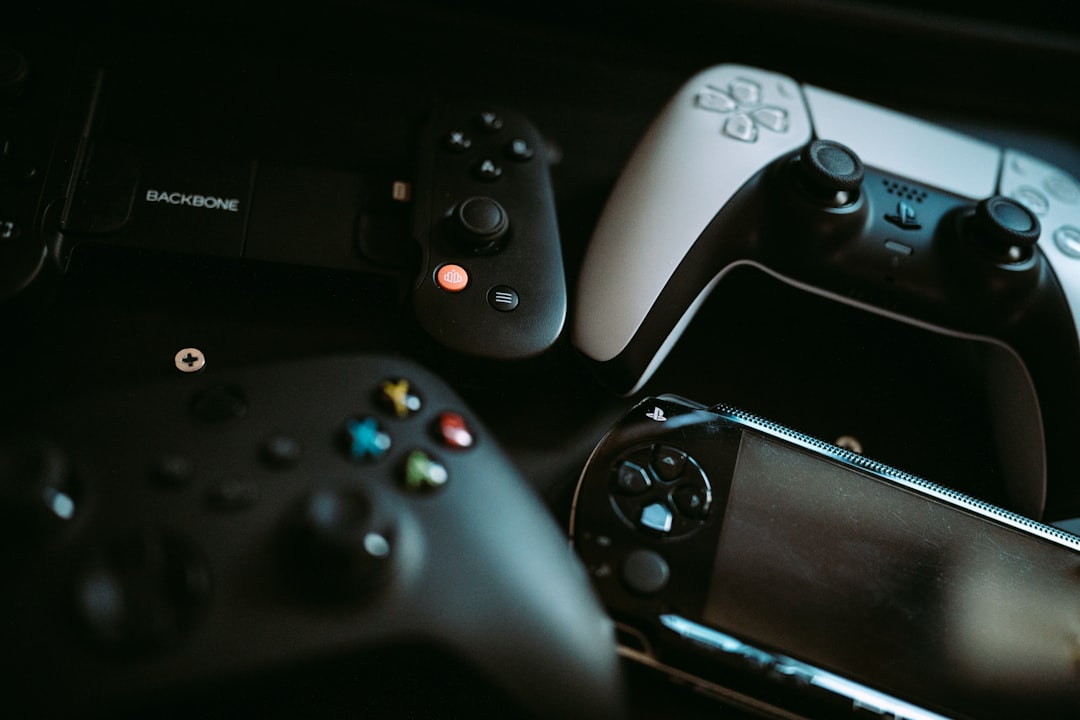
If you’re planning on diving into split-screen action in Black Ops 6, it’s important to consider the platform you’re playing on. Split-screen is available on:
- PlayStation 5
- PlayStation 4 (with limited performance)
- Xbox Series X|S
- Xbox One (with performance compromises)
PC support for split-screen, however, is almost nonexistent in modern Call of Duty titles. Black Ops 6 follows that same path — no official split-screen support has been announced or implemented for the PC version.
Performance Notes:
- Resolution drops – The game dynamically reduces resolution when playing split-screen to help maintain smooth frame rates.
- UI clutter – Expect slightly more visual noise as both HUDs must share the screen space.
- Audio confusion – Unless each player uses separate audio output, sound design can become challenging for spatial awareness.
How to Enable Split Screen in Black Ops 6
Getting started with split-screen is refreshingly simple, especially on consoles. Here’s a quick walkthrough:
- Launch Black Ops 6 on your console.
- Connect a second controller and sign in with a separate account or guest profile.
- Navigate to the Multiplayer or Zombies lobby.
- Press the button prompt (usually indicated at the bottom right) to add a second player.
- Once joined, configure loadouts and start the game.
That’s it! You’re now ready to enjoy the explosive action of CoD with a partner right next to you.
Common Issues and Troubleshooting
Although the feature is easy to use, players sometimes face a few hiccups when trying to set up split-screen. Here are some helpful tips to address common problems:
- Second player not joining: Ensure both accounts are signed in and connected to the internet (for online matches).
- Game crashes in split-screen: Restart the console and reattempt. If problems persist, check for game updates or patches.
- Unbalanced matchmaking: Split-screen players might be matched against full parties. It’s best to practice strategies beforehand.
What About Cross-Play and Split Screen?
Black Ops 6 supports cross-platform gameplay between PlayStation, Xbox, and PC gamers, but split-screen and cross-play don’t mix well. If you’re expecting to play split-screen locally while joining a cross-platform party, temper those expectations. Most of the time, split-screen users on one console can only play with other console users in their ecosystem. It’s a way of balancing performance and minimizing glitches.
Benefits of Split Screen in Modern Gaming
While online multiplayer is the dominant form of play today, local split-screen brings unique benefits that many players still appreciate:
- Instant communication – No need for headsets or laggy voice chats.
- Better co-op synergy – Being in the same room helps teammates coordinate easily.
- Social bonding – Few gaming experiences compare to sitting side-by-side during high-stakes firefights or zombies escapes.
In fact, games that retain split-screen functionality often find themselves with a devoted player base. For families and roommates, it’s a way to bond over mutual interest while keeping screen time social and interactive.
Future Updates and Developer Notes
As with most Call of Duty installments, future patches and seasonal updates might expand or improve split-screen performance. Developers have a history of responding to community feedback, so players hoping for enhancements—like three or four-way splits or improved UI—may see some of those features in later updates.
Keep an eye on patch notes and official announcements from Treyarch, the primary studio behind Black Ops 6, to stay informed on split-screen changes and enhancements.
Final Thoughts
Yes, split-screen is alive and well in Black Ops 6, and it’s a refreshing reminder of what makes local multiplayer so special. Whether you’re grinding through online battles or teaming up to fend off zombie hordes, the ability to do so from the comfort of your living room with a second player is a welcome option. It’s not a perfect feature—it comes with a few limitations—but it’s functional, fun, and a nostalgic return to what many gamers love most: sharing adrenaline-packed moments with someone right beside them.
So grab your controller, call up a friend, and get ready to drop into Black Ops 6 together—split-screen style.