
Imagine your city hall as a friendly coffee shop. You walk in with a question. Someone listens. They remember what you asked last time. They help fast. They even tell you when your order is ready. That, in a simple way, is what Citizen Relationship Management tries to do for public services.
TLDR: Citizen Relationship Management, or CRM for government, helps public agencies serve people better. It collects requests, questions, complaints, and feedback in one place. This makes services faster, clearer, and easier to track. It is like customer service, but for citizens and communities.
Contents of Post
What Is Citizen Relationship Management?
Citizen Relationship Management is often called CRM. It is not the same as a business CRM, though it borrows the idea. A business uses CRM to help customers. A city, town, or agency uses Citizen CRM to help residents.
It is a system for managing contact between people and government. That contact can happen in many ways. A person may call about a pothole. They may email about a permit. They may use an app to report a broken streetlight. They may send a message on social media about trash collection.
Without CRM, all of these messages can scatter everywhere. One is in an email inbox. One is on a sticky note. One is in a phone log. One is in someone’s memory. That is messy. It is also slow.
With CRM, everything goes into one shared place. Staff can see what came in. They can assign it. They can update it. They can close it when done. Simple.

Why Does It Matter?
People expect good service. We can order pizza and track it in real time. We can book a ride and see the car move on a map. So when someone asks the city to fix a sidewalk, they may wonder, “Why did my request vanish into a black hole?”
Citizen CRM helps stop that feeling. It gives people a clear path. It also gives staff a better way to manage work.
Here is why it matters:
- It saves time. Staff do not need to hunt for messages.
- It improves trust. People can see that their issue is not ignored.
- It reduces repeat calls. Updates can be sent automatically.
- It supports fair service. Requests are tracked in a consistent way.
- It helps leaders spot patterns. If many lights break in one area, that matters.
In short, Citizen CRM helps government act less like a maze and more like a helpful guide.
How Does It Work?
Let’s follow a small adventure. Meet Sam. Sam sees a giant pothole. It looks like it could swallow a bicycle. Sam takes a photo and sends a report through the city app.
The CRM system receives the report. It saves the photo, location, time, and description. It gives the report a tracking number. Then it sends Sam a message: “Thanks. We received your request.”
Next, the system sends the issue to the public works team. A staff member reviews it. They mark it as urgent. A repair crew gets the job. When the crew fixes the pothole, the CRM status changes to complete. Sam gets another message. The city now has a record of the work.
No mystery. No paper shuffling. No “Who was handling that?” panic.
Common Features of Citizen CRM
Different systems have different tools. But most good Citizen CRM platforms include a few core features.
- Case management: Every request becomes a case. It has a status, owner, and history.
- Multi channel support: People can reach out by phone, email, website, app, chat, or social media.
- Automatic routing: The system sends the request to the right department.
- Notifications: Citizens get updates when something changes.
- Knowledge base: Staff and citizens can find answers to common questions.
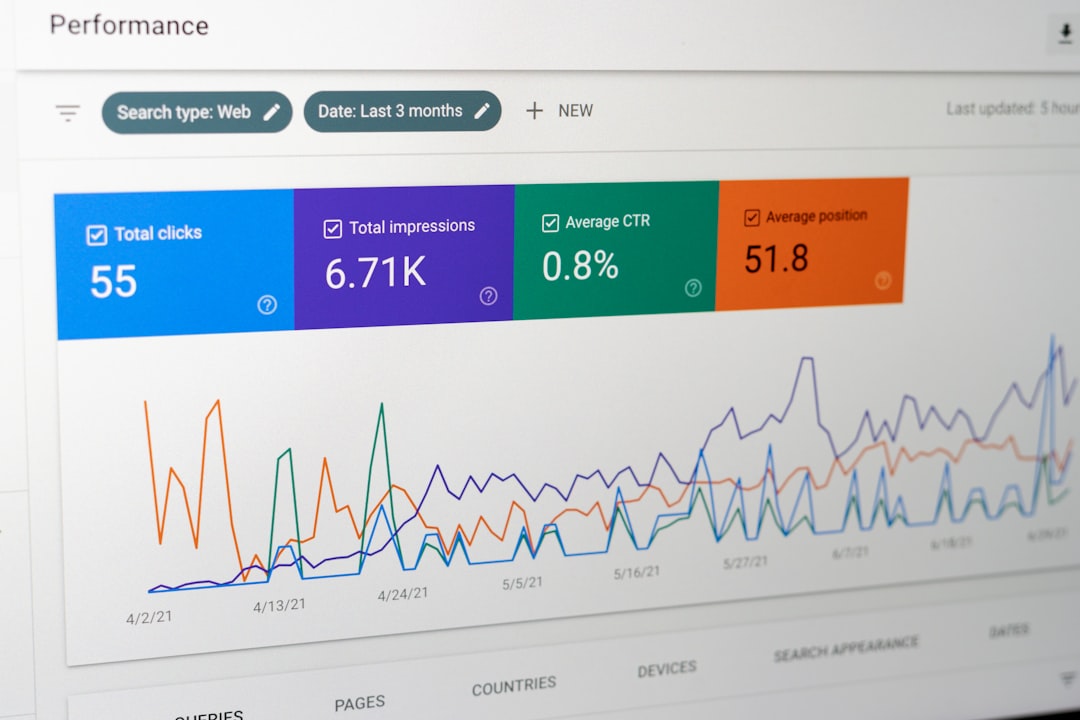
- Reports and dashboards: Leaders can see trends, delays, and service levels.
Think of it as a digital command center. But less dramatic. More spreadsheets. Fewer flashing red lights.
Citizen CRM Is Not Just for Complaints
Many people think CRM is only for complaints. Like barking dogs. Missed bins. Loud parties. Strange smells near the park. Yes, it can handle those.
But it can do much more.
Citizen CRM can support:
- Permit questions
- License applications
- Event registrations
- Public health updates
- Emergency alerts
- Community feedback
- Volunteer programs
- Public meeting questions
It can also help agencies talk to people before problems grow. For example, if road work is coming, the city can notify nearby residents. If a storm is expected, the agency can share safety tips. If a library event is popular, staff can plan better next time.
Good CRM is not only reactive. It is also proactive. That is a fancy word for “helping before people get grumpy.”
What Makes It Different From Business CRM?
A business CRM focuses on sales, customers, and revenue. It may track leads, deals, and marketing campaigns. The goal is often to sell more and keep customers happy.
Citizen CRM has a different mission. It focuses on public service. The goal is not to sell a fancy toaster. The goal is to serve the community.
This changes the rules.
- Equity matters. Everyone should get access, not only the loudest people.
- Privacy matters. Government data can be sensitive.
- Transparency matters. People need to know what is happening.
- Accountability matters. Agencies must show that work was done properly.
A citizen is not just a customer. A citizen is a member of the community. That makes the relationship bigger.
Benefits for Citizens
For citizens, the best CRM systems feel easy. They remove confusion. They make government less scary.
Benefits include:
- One place to ask for help. No need to guess which department to contact.
- Clear tracking. People can see if a request is open, in progress, or done.
- Faster answers. Common questions can be answered right away.
- Better access. People can use the channel that works for them.
- More confidence. Updates show that the system is moving.
It is like giving every request a tiny backpack, a name tag, and a map. It knows where to go.
Benefits for Government Staff
Staff also win. And that matters. Public workers often deal with many tasks, old systems, and tight budgets. A good CRM can reduce stress.
It helps teams:
- See all requests in one place
- Avoid duplicate work
- Share notes across departments
- Set priorities
- Measure response times
- Find service gaps
It also protects knowledge. If one staff member is away, the case history is still there. The work does not disappear into a drawer. Or worse, into an inbox called “misc.”

Challenges to Watch For
Citizen CRM is useful. But it is not magic. Buying software does not fix broken processes by itself. Sorry, software wand. Not today.
Common challenges include:
- Messy data. Bad information leads to bad results.
- Staff training. People need to know how to use the system.
- Old technology. CRM may need to connect with older systems.
- Privacy risks. Sensitive data must be protected.
- Unclear ownership. Every request needs someone responsible.
The best projects start with simple goals. For example: “We want to reduce missed service requests.” Or: “We want citizens to get updates faster.” Clear goals beat shiny features every time.
What Good Citizen CRM Feels Like
Good Citizen CRM should feel calm. It should feel simple. It should not make people click through twelve screens just to report a fallen tree.
For citizens, it should feel like this:
- “I know where to go.”
- “I know what happens next.”
- “I got an update.”
- “My issue mattered.”
For staff, it should feel like this:
- “I can see my tasks.”
- “I know who owns this case.”
- “I can answer with confidence.”
- “We are improving.”
The Big Idea
Citizen Relationship Management is about connection. It helps government listen better, respond faster, and learn from what people need. It turns scattered messages into organized action.
It is not about replacing human service. It is about supporting it. A CRM system cannot smile at a worried resident. It cannot understand every local detail. But it can make sure the right person gets the right information at the right time.
That is powerful. Because public service works best when people feel heard. A good Citizen CRM helps make that happen. One pothole, permit, question, and thank you message at a time.