

MGM+ is a premium streaming service known for its blockbuster movies, original series, and curated film collections. For viewers who want to explore the platform without committing to a paid subscription, the MGM+ free trial offers a valuable opportunity. Understanding the eligibility requirements, activation steps, and cancellation process ensures users can make the most of the trial without unexpected charges.
TLDR: MGM+ occasionally offers a free trial to new subscribers, either directly or through third-party platforms like Amazon Prime Video or cable providers. Eligibility typically applies only to first-time users who have not previously subscribed. Signing up requires selecting a platform, entering payment details, and activating the trial before the trial window expires. Cancelling before the final trial day prevents charges and can usually be completed online in just a few steps.
Contents of Post
What Is MGM+ and What Does It Offer?
MGM+ is a subscription-based streaming service featuring exclusive original series, blockbuster films, and a rotating catalog of popular titles. Viewers can stream content on smart TVs, smartphones, tablets, and web browsers.
Subscribers typically gain access to:
- Exclusive Originals – Critically acclaimed shows and limited series.
- Hollywood Movies – A selection of classic and recent blockbuster films.
- Ad-Free Streaming – Most subscription tiers include uninterrupted viewing.
- On-Demand Access – Watch anytime without fixed schedules.
Because MGM+ is a paid service, the free trial is designed to give new users a risk-free preview before committing to a monthly fee.
Who Is Eligible for an MGM+ Free Trial?
Eligibility rules may vary depending on where the subscription is activated. However, certain general criteria usually apply.
Common Eligibility Requirements
- The user must be a new subscriber.
- No previous MGM+ subscription under the same email address or payment method.
- A valid payment method must be provided at signup.
- The trial must be available in the user’s region.
If a user has previously canceled MGM+, they may not qualify for another free trial unless a promotional offer specifically states otherwise.
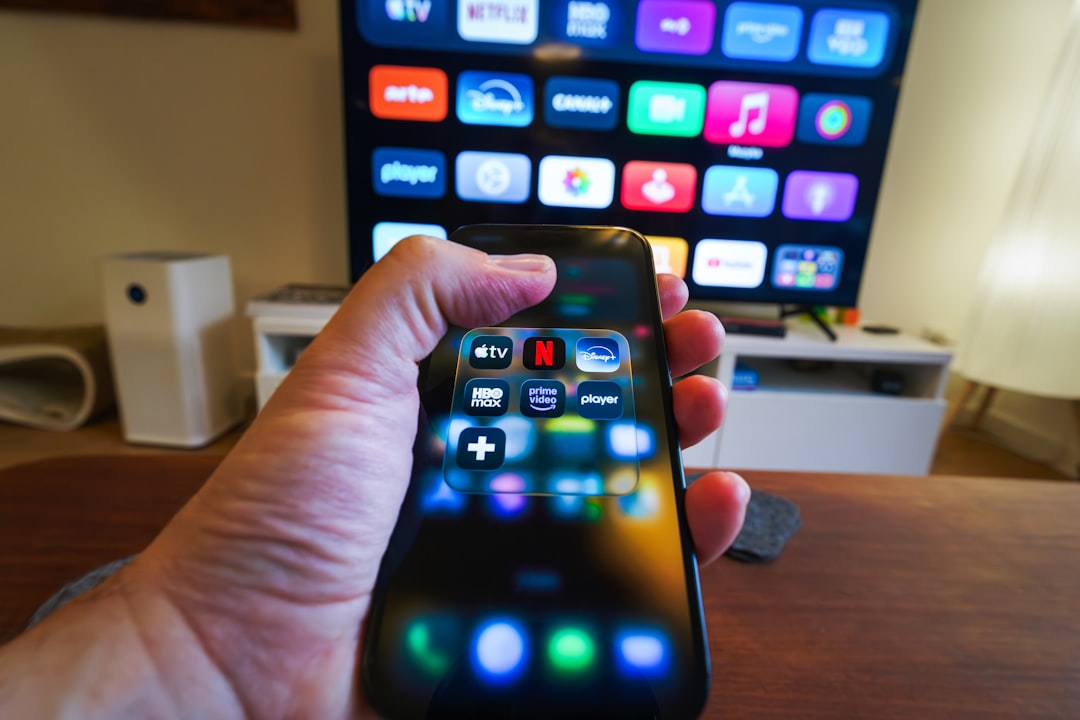
Where to Get an MGM+ Free Trial
MGM+ trials are sometimes offered through different platforms. It is important to check availability before signing up.
1. Directly Through MGM+
Occasionally, MGM+ offers a free trial when subscribing directly through its official website or app. Availability may depend on promotional periods.
2. Through Amazon Prime Video Channels
MGM+ is available as an add-on channel through Amazon Prime Video. Amazon frequently provides free trials for add-on subscriptions.
3. Through Cable and Streaming Providers
Some cable providers or live TV streaming services include limited-time MGM+ trials as part of promotional bundles.
Comparison Chart: MGM+ Free Trial Options
| Platform | Trial Availability | Length (Typical) | Cancellation Method |
|---|---|---|---|
| MGM+ Direct | Occasional Promotions | 7 Days (varies) | Account Settings Online |
| Amazon Prime Video | Frequently Available | 7 Days (varies) | Amazon Memberships Page |
| Cable/Streaming Providers | Bundle Dependent | Varies by Provider | Through Provider Account |
How to Sign Up for an MGM+ Free Trial
The signup process is generally simple and only takes a few minutes.
Step 1: Choose the Platform
Select whether to subscribe directly via MGM+, Amazon Prime Video, or another provider.
Step 2: Create or Log Into an Account
Users must create a new account or log into an existing one on the selected platform.
Step 3: Select Start Free Trial
If eligible, a clearly labeled trial option will appear during signup.
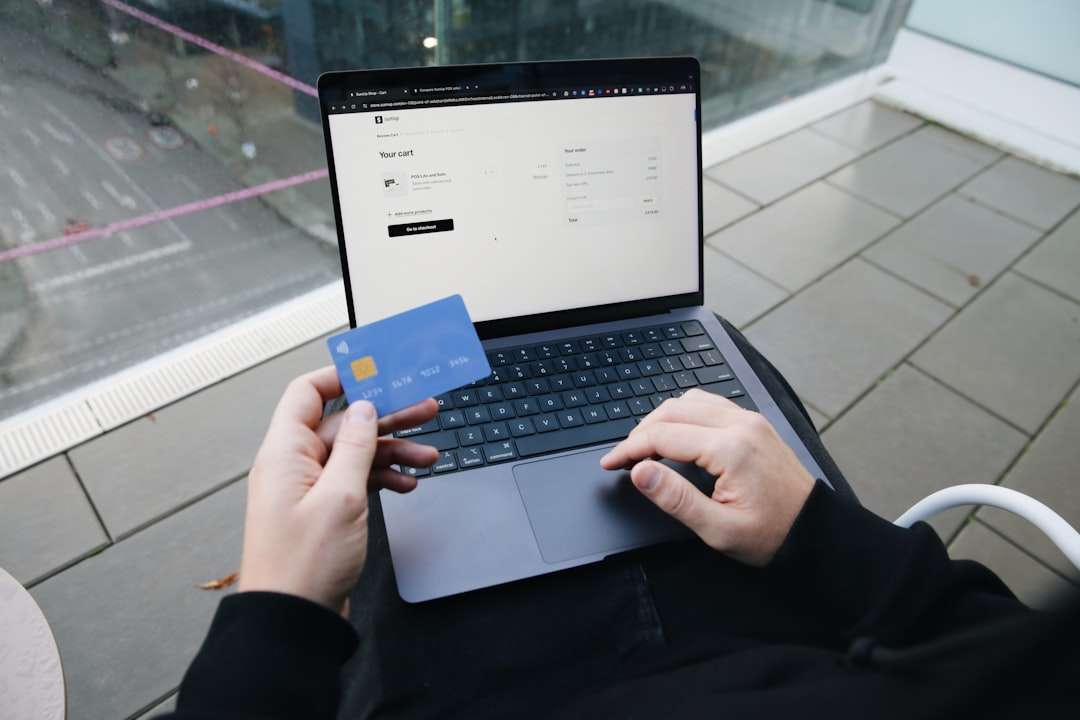
Step 4: Enter Payment Information
A valid credit card or payment method is required, even though the initial charge is waived during the trial period.
Step 5: Confirm and Start Watching
Once confirmed, immediate access to MGM+ content is granted.
Tips to Maximize Your MGM+ Free Trial
Because the free trial window is limited, viewers should plan strategically.
- Create a Watchlist First: Browse available titles before activating the trial.
- Start the Trial at the Right Time: Activate it when there is enough free time to watch preferred content.
- Test Multiple Devices: Ensure compatibility across TVs, phones, and tablets.
- Explore Original Programming: Focus on exclusive content not available elsewhere.
Planning in advance helps subscribers evaluate the true value of the service before deciding whether to keep it.
How to Cancel an MGM+ Free Trial
Canceling on time is crucial to avoid automatic billing. MGM+ subscriptions typically renew automatically at the end of the trial period.
General Cancellation Steps
- Log into the account used to activate the trial.
- Navigate to Account Settings or Subscriptions.
- Select MGM+ from active subscriptions.
- Choose Cancel Subscription or End Trial.
- Confirm the cancellation request.
Users should also look for a confirmation email to ensure the cancellation was successfully processed.
When Should You Cancel?
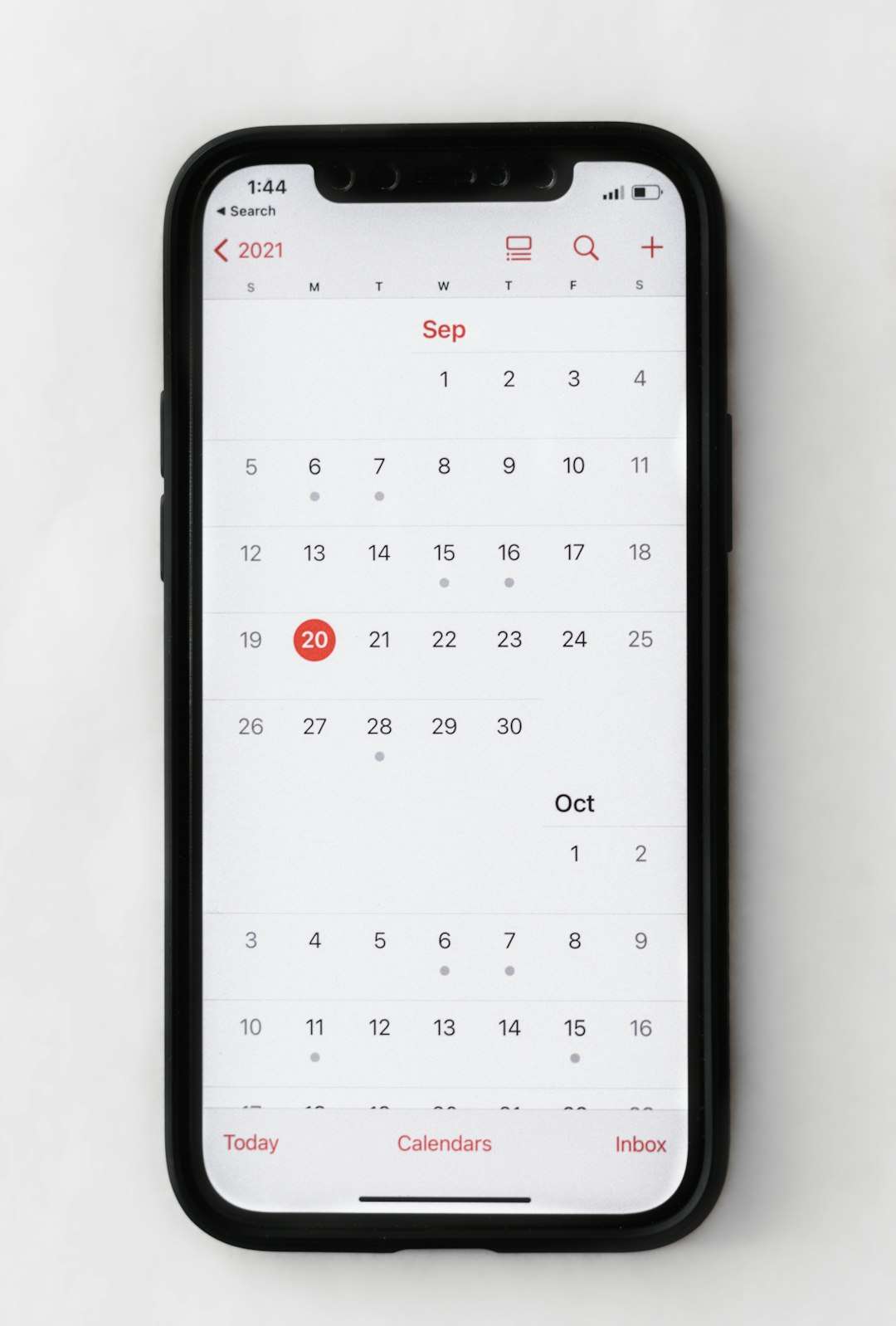
It is often safest to cancel at least 24 hours before the trial expires. Many platforms allow users to retain full access through the remaining trial period even after canceling.
Common Cancellation Mistakes to Avoid
- Canceling on the Wrong Platform: Subscriptions must be canceled where they were initially activated.
- Waiting Until the Last Minute: Billing cutoffs may occur earlier than expected.
- Assuming App Deletion Equals Cancellation: Removing the app does not terminate the subscription.
Verifying the cancellation status prevents surprise charges on billing statements.
What Happens After the Free Trial Ends?
If a user does not cancel before the trial period concludes, the subscription automatically converts into a paid plan. Billing typically occurs monthly, and pricing varies slightly depending on the subscription platform.
Paid subscribers retain:
- Full streaming access
- Newly added content
- Continued access to exclusive originals
If subscribers later change their mind, they can cancel their paid subscription at any time.
Is the MGM+ Free Trial Worth It?
The MGM+ free trial provides a risk-free way to evaluate the content library and user interface. For movie enthusiasts and fans of premium cable-style series, the trial offers enough time to assess the platform’s strengths.
While seven days may not be enough to explore the entire catalog, it allows viewers to binge-test major titles and determine whether the service aligns with their entertainment preferences.
Frequently Asked Questions (FAQ)
1. How long is the MGM+ free trial?
The free trial is typically 7 days, though the exact length may vary depending on the promotional offer or platform.
2. Can former subscribers get another free trial?
In most cases, free trials are limited to new subscribers only. However, special promotions may occasionally allow returning users to receive another trial.
3. Do I need to enter payment information?
Yes, a valid payment method is required to activate the trial. Charges apply only if the subscription is not canceled before the trial ends.
4. Can I cancel the trial immediately after signing up?
Yes. Many platforms allow users to cancel right away while keeping access for the remainder of the trial period.
5. Will I lose access immediately after canceling?
Typically, access continues until the end of the trial period, even if the cancellation occurs early.
6. Is MGM+ available internationally?
Availability depends on the region. Not all countries may offer the service or the free trial promotion.
7. How much does MGM+ cost after the trial?
Pricing varies slightly by platform but is generally billed monthly once the trial converts to a paid subscription.
By understanding the eligibility rules, following the correct signup steps, and canceling on time, viewers can confidently explore MGM+ through its free trial without financial surprises. Proper planning ensures the experience remains both enjoyable and cost-effective.