

In the fast-scrolling, instant-gratification world of modern websites, attention is both precious and fleeting. Visitors arrive with a purpose—seeking information, comparing options, making purchases, or solving problems—and they expect to find what they need quickly. This is where quicklinks step in. Often overlooked and underestimated, quicklinks have become a foundational element in user experience strategy, guiding navigation, reducing friction, and shaping how users interact with digital spaces.
TLDR: Quicklinks are strategic navigation shortcuts that help users access important content faster. They enhance usability, improve engagement, and support conversion goals by reducing friction. Modern websites use quicklinks not just for convenience, but as powerful tools for user guidance, SEO structure, and performance optimization. When thoughtfully designed, they can significantly improve both user satisfaction and business results.
Contents of Post
The Evolution of Quicklinks
Quicklinks began as simple navigation shortcuts—basic lists of commonly accessed pages placed in sidebars or footers. In early web design, they were often static, rarely updated, and treated as an afterthought.
Today, however, quicklinks are dynamic, strategic, and deeply integrated into a site’s architecture. They can appear in:
- Header navigation menus
- Footers
- Dashboards and control panels
- Landing pages
- Mobile navigation drawers
- Contextual recommendation blocks
Their purpose has expanded from merely listing pages to shaping the user journey. Modern quicklinks anticipate user needs rather than simply reacting to them.
What Quicklinks Actually Do
At their core, quicklinks reduce the number of steps between a user and their goal. But beneath that simplicity lies sophisticated planning. Quicklinks:
- Highlight high-priority content
- Support conversion pathways
- Reinforce site hierarchy
- Decrease bounce rates
- Improve accessibility
- Enhance mobile usability
For example, an e-commerce website may place quicklinks to “Best Sellers,” “New Arrivals,” and “Customer Support” prominently in the header. A university website might highlight “Apply Now,” “Academic Calendar,” and “Student Portal.” These links are not random—they reflect data-driven insights into what users need most often.
Image not found in postmetaQuicklinks as a User Experience Strategy
In modern design thinking, every navigation decision affects user perception. Quicklinks are no longer standalone components; they are part of the broader user experience (UX) framework.
Effective quicklinks accomplish three major UX goals:
1. Cognitive Load Reduction
Users do not want to think too hard about where to click. By grouping frequently used links in visible and predictable areas, websites reduce decision fatigue. The fewer choices users must evaluate, the faster they act.
2. Expectation Matching
Visitors often arrive with mental models formed by other websites. They expect “Contact,” “Login,” or “Pricing” to be easily accessible. Strategic quicklinks match those expectations, preventing frustration.
3. Accessibility and Inclusivity
Properly structured quicklinks improve navigation for screen readers and keyboard-only users. Clear labeling and logical placement make sites usable for individuals with varied abilities.
The SEO Dimension of Quicklinks
Quicklinks play a surprisingly influential role in search engine optimization. Internal linking helps search engines understand site structure and content hierarchy.
Key SEO benefits include:
- Improved crawlability: Search engine bots can discover deeper pages more efficiently.
- Distributed link authority: Important pages receive more internal link value.
- Clear content prioritization: Frequently linked pages signal importance.
- Better indexing: Easily accessible pages are more likely to be indexed properly.
When executed strategically, quicklinks can subtly strengthen a website’s search visibility without appearing manipulative or spammy.
Types of Quicklinks in Modern Websites
Not all quicklinks are created equal. Different types serve different strategic goals.
Header Quicklinks
These appear prominently at the top of pages. They are typically high-impact and conversion-oriented.
Footer Quicklinks
Often more detailed and expansive, footer links support exploration and SEO structure.
Dashboard Quicklinks
Common in SaaS platforms and member portals, these links provide instant access to tools and features.
Contextual Quicklinks
Integrated within content sections, these links guide users to related resources or next steps.
Quicklinks in Mobile-First Design
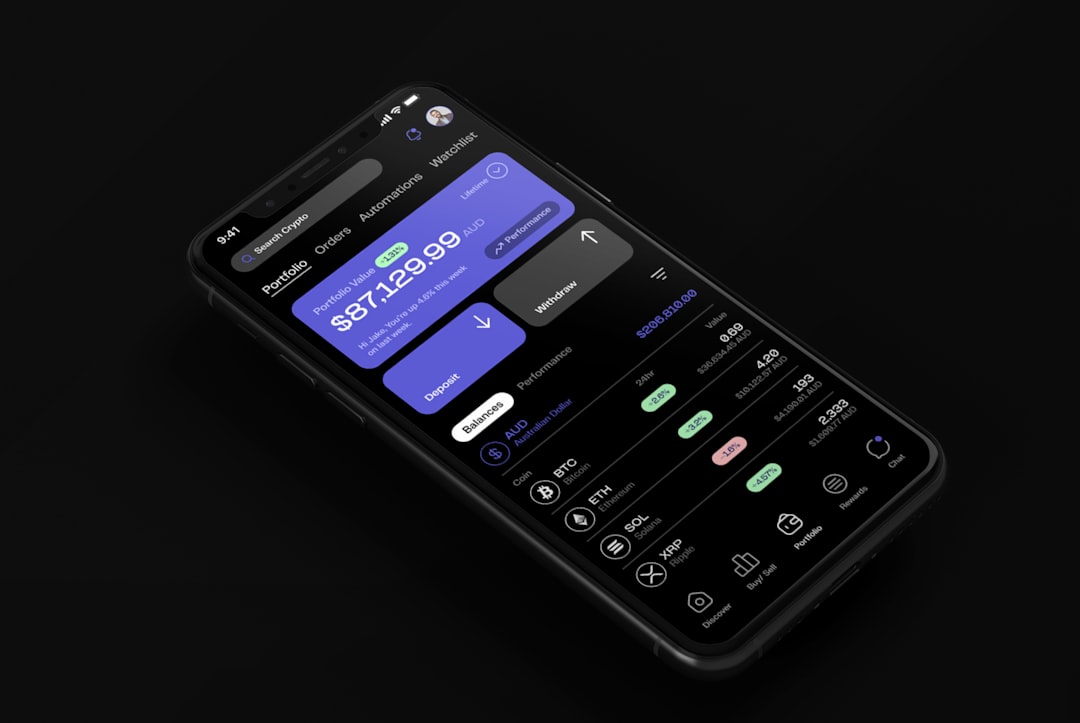
With mobile traffic dominating the web, quicklinks have become even more critical. Limited screen space demands intentional prioritization.
Modern mobile quicklinks often appear:
- Inside hamburger menus
- As sticky bottom navigation bars
- In collapsible accordions
- As floating action buttons
The goal is to maintain clarity without clutter. Mobile quicklinks should spotlight only the most essential actions. Overloading mobile navigation defeats their purpose.
The Psychology Behind Effective Quicklinks
Quicklinks function best when they align with behavioral psychology principles:
- Fitts’s Law: Larger, more accessible targets are easier to click.
- Hick’s Law: Fewer options reduce decision time.
- Visual hierarchy: Placement and styling influence perceived importance.
A thoughtfully placed “Get Started” quicklink with strong contrast and clear labeling can dramatically outperform a generic navigation item buried within a list.
Common Mistakes to Avoid
Despite their simplicity, quicklinks can backfire when poorly implemented.
- Overcrowding: Too many quicklinks defeat the purpose of quick navigation.
- Vague labels: Words like “Resources” or “More” lack clarity.
- Inconsistent placement: Moving quicklinks between pages reduces usability.
- Neglecting analytics: Without data, priorities are guesswork.
Effective quicklinks are curated, not comprehensive. They highlight the critical few—not the trivial many.
Data-Driven Quicklink Optimization
Modern websites increasingly rely on analytics and user behavior tools to determine which quicklinks matter most. Heatmaps, click tracking, and session recordings provide concrete insights into navigation patterns.
Data often reveals surprising truths:
- Users may ignore certain “important” links entirely.
- Support pages might receive more traffic than product documentation.
- Login buttons may outperform promotional banners.
By analyzing behavioral patterns, businesses can refine their quicklink strategy continuously. This turns quicklinks into living components, evolving alongside user needs.
Quicklinks and Brand Perception
The organization of quicklinks communicates subtle messages about brand priorities. A site that prominently features “Community,” “Sustainability,” or “Support” demonstrates values beyond transaction.
Conversely, placing only “Buy Now” and “Upgrade” at the forefront suggests a purely commercial focus. Neither approach is inherently wrong—but both send signals.
Design elements also influence brand perception:
- Minimal, elegant quicklinks suggest refinement.
- Bold, colorful buttons signal energy and action.
- Simple text-based lists may communicate practicality.
Thus, quicklinks are not just structural—they are expressive.
The Future of Quicklinks
As artificial intelligence and personalization become standard, quicklinks are evolving beyond static lists. Future-ready websites may dynamically adjust quicklinks based on:
- User behavior history
- Geographic location
- Time of day
- Device type
- Purchase patterns
Imagine a returning user seeing tailored quicklinks such as “Resume Your Course” or “Reorder Supplies”—while a first-time visitor sees “Learn More” and “Explore Features.”
This personalization transforms quicklinks from navigation shortcuts into intelligent guides.
Why Quicklinks Matter More Than Ever
In a digital ecosystem defined by competition and limited patience, clarity is a competitive advantage. Quicklinks embody clarity. They streamline, simplify, and subtly direct.
When executed thoughtfully, quicklinks:
- Increase user satisfaction
- Strengthen content discoverability
- Boost conversion rates
- Reinforce brand priorities
- Enhance search engine visibility
They may appear small in scale, but their impact is disproportionately large.
Ultimately, quicklinks reflect a fundamental truth about modern web design: good navigation is invisible, but its absence is unbearable. In a world where users expect instant results, quicklinks represent the thoughtful shortcuts that turn confusion into clarity and visitors into loyal users.