
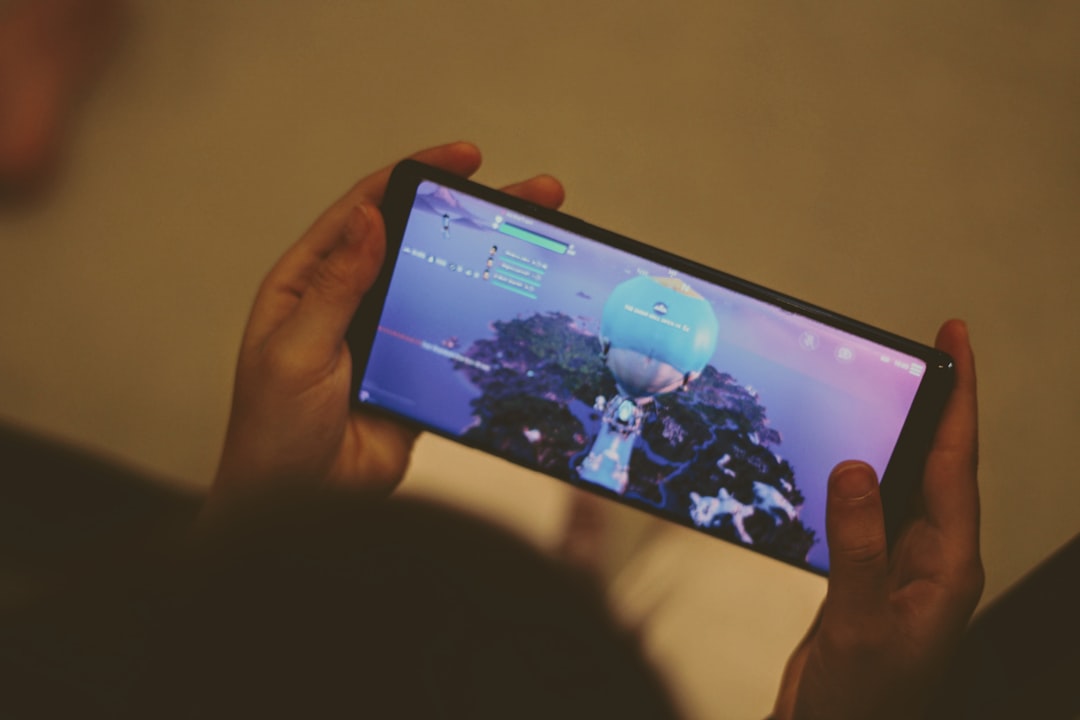
Fortnite is known for its fast-paced gameplay, social features, and constant updates that reshape the way players interact. One question that continues to come up among new and veteran players alike is whether the game includes proximity chat—a feature that allows players to hear others based on in-game distance. With social gaming becoming increasingly immersive, proximity voice communication has become a popular feature in many multiplayer titles.
TLDR: Fortnite does not have built-in proximity chat in its core Battle Royale or Zero Build modes. Voice chat in Fortnite is primarily team-based or party-based, meaning players can only hear those in their squad or party. However, certain Creative maps may simulate proximity-style communication using special settings or third-party tools. Players can also customize their voice chat settings directly within the game for more control.
Contents of Post
What Is Proximity Chat?
Proximity chat, also known as distance-based voice chat, is a feature in multiplayer games where players can hear others based on how close they are to them in the game world. The closer two players are, the clearer and louder their voices sound. As they move farther apart, the audio fades.
Games like Call of Duty: Warzone and Among Us have popularized proximity chat because it:
- Increases immersion
- Encourages spontaneous interactions
- Adds humor and realism
- Creates tactical advantages and disadvantages
In Fortnite’s large and dynamic map, proximity chat could theoretically add new strategic layers. However, the reality is more structured.
Does Fortnite Have Proximity Chat in Battle Royale?
No, Fortnite’s main Battle Royale and Zero Build modes do not support proximity chat.
When playing standard public matches, voice communication is limited to:
- Party Channel – Communication with players in your pre-made party
- Game Channel – Communication with teammates in squad-based modes
You cannot hear enemy players during a match unless you eliminate them and use certain limited post-elimination features (which are not true proximity chat). There is no system that dynamically adjusts voice audio based on physical in-game distance.
This design choice helps maintain competitive balance and avoids unwanted harassment or distractions during gameplay.
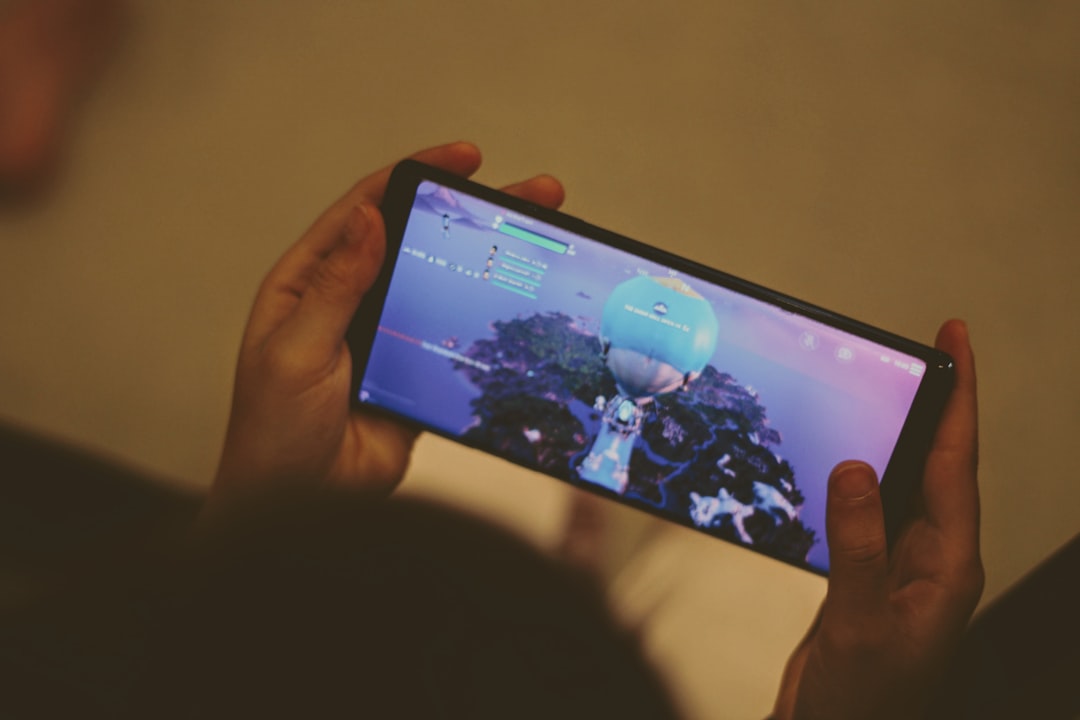
Why Doesn’t Fortnite Include Proximity Chat?
There are several reasons why Epic Games has not implemented native proximity chat in core modes:
1. Moderation and Safety
Fortnite has a massive player base that includes many younger players. Proximity chat can lead to unfiltered interactions between strangers, which increases moderation challenges.
2. Competitive Integrity
Proximity chat can create distractions, misinformation, or manipulative communication during competitive matches. Fortnite’s ranked and tournament formats prioritize structured team coordination instead.
3. Performance and Simplicity
Dynamic voice systems tied to player distance require additional processing. Keeping communication segmented into channels simplifies the system and reduces potential technical complications.
Are There Any Modes in Fortnite That Use Proximity Chat?
While Fortnite’s official Battle Royale modes do not offer proximity chat, some Creative Mode maps attempt to simulate a similar experience.
Creative map developers can design unique social environments where voice chat feels more localized. However, these systems often depend on:
- Custom scripting
- Team structure manipulation
- External voice platforms like Discord
These are not true built-in proximity systems, but they can offer a limited version of the experience.
Fortnite Voice Chat Settings Guide
Even though proximity chat isn’t available, Fortnite provides detailed voice settings that allow players to customize how communication works.
How to Access Voice Chat Settings
- Launch Fortnite
- Open the Main Menu
- Select Settings (gear icon)
- Navigate to the Audio tab
- Scroll down to the Voice Chat section
Main Voice Chat Options Explained
- Voice Chat: Turn voice chat on or off entirely.
- Voice Reporting: Allows voice communications to be recorded for moderation purposes.
- Voice Channel: Switch between Game Channel and Party Channel.
- Voice Chat Method: Choose between Open Mic or Push to Talk (PC only).
- Voice Chat Notifications: Enable or disable on-screen alerts when players join or leave.
- Voice Volume: Adjust voice chat loudness independently of game sounds.
Party Channel vs Game Channel
| Feature | Party Channel | Game Channel |
|---|---|---|
| Who You Hear | Invited party members | Teammates in current match |
| Works Across Modes | Yes | Only in team modes |
| Private | More private | Match-based |
| Best For | Friends and squads | Random teammate communication |
How to Enable Push to Talk in Fortnite
For players who want better control over their microphone, Push to Talk is a useful feature available primarily on PC.
Steps to Enable Push to Talk:
- Open Settings
- Go to the Audio tab
- Find Voice Chat Method
- Select Push to Talk
- Bind a specific key in Keyboard Controls
This prevents background noise and improves communication clarity, especially during competitive sessions.
Can You Use Third-Party Apps for Proximity Chat?
Some players attempt to replicate proximity chat using third-party applications like:
- Discord with distance-based bots
- TeamSpeak plugins
- Custom voice servers
However, these methods require all participants to use the same external system. They do not integrate directly into Fortnite’s gameplay engine.
Players should also ensure that any third-party software complies with Epic Games’ Terms of Service.

Will Fortnite Ever Add Proximity Chat?
Epic Games has not officially confirmed plans to add proximity chat to core Battle Royale modes. That said, Fortnite is constantly evolving. The game has introduced major features over time, including:
- Zero Build mode
- Ranked competitive play
- LEGO Fortnite
- Fortnite Festival
If demand continues to grow and moderation tools improve, proximity chat could be introduced in limited-time modes or experimental playlists in the future.
For now, structured voice channels remain the standard communication system.
Pros and Cons of Adding Proximity Chat to Fortnite
Potential Benefits
- More immersive gameplay
- Funny and memorable encounters
- Enhanced social dynamics
- Creative tactical strategies
Potential Downsides
- Increased toxic behavior
- Harassment risks
- Distraction during competitive matches
- Moderation challenges
Fortnite’s player base spans casual gamers, esports competitors, and younger audiences. Any change to communication systems would need careful balancing.
Final Thoughts
While proximity chat would undeniably add new energy to Fortnite matches, it is currently not part of the game’s official voice system. Communication is limited to structured Party and Game channels, giving players controlled and moderated environments.
Creative mode experiments and third-party tools may offer alternative experiences, but they do not replace true distance-based voice chat. For players hoping to shout across Tilted Towers or negotiate mid-fight truces, proximity chat remains more of a wish than a feature.
However, given Fortnite’s history of innovation, the possibility remains open for future experimentation.
Frequently Asked Questions (FAQ)
1. Does Fortnite have proximity chat in Battle Royale?
No. Standard Battle Royale and Zero Build modes do not support proximity chat.
2. Can you hear enemies in Fortnite?
No. You can only hear players in your party or squad through the designated voice channels.
3. Do any Fortnite Creative maps have proximity chat?
Some Creative maps simulate proximity-style communication, but it is not a built-in system across the platform.
4. How do you switch between Party Chat and Game Chat?
Go to Settings, open the Audio tab, and change the Voice Channel option between Party Channel and Game Channel.
5. Is Push to Talk available on consoles?
Push to Talk is primarily available on PC. Console players typically use Open Mic.
6. Is Fortnite planning to add proximity chat?
There is no official confirmation from Epic Games regarding adding proximity chat to core modes.
7. Is using Discord for proximity chat allowed?
Yes, using Discord is allowed. However, it operates outside the game and requires all players to voluntarily participate.
For now, Fortnite keeps communication clear, controlled, and team-focused—without the unpredictability of proximity chat.